Resources Our platform
Zuma, the next evolution of Kokai, is here
Recruiting fraud is a growing issue for many companies.
The Trade Desk takes this issue seriously and is taking steps to address it.
Our platform
Share:
Note: This article was updated to include new information on how to get access to the features listed on March 3, 2026
Uploading ad creatives in bulk is a critical step for launching and scaling campaigns, especially for traders managing dozens of campaigns and hundreds of third-party tags across channel formats. To reduce friction in this workflow, we’ve rebuilt the Bulk Upload experience to help save time and simplify activation in Kokai.
We’ve redesigned the Bulk Upload process for ad creatives from the ground up. The new workflow accepts video, audio, and display spreadsheets directly from most major third-party ad servers, no reformatting required. The workflow streamlines validation, getting you from upload to activation faster.
With this update, you can:
Upload third-party tag sheets instantly: Drop in spreadsheet files exported from your preferred ad server, including Campaign Manager 360, Flashtalking, Innovid, Clinch, and Jivox.
Eliminate manual mapping: The platform automatically detects the source file and maps fields to our schema, eliminating the need to work in Excel.
Resolve issues quickly: Review validation feedback directly in the UI and input any missing or incorrect information on the spot.
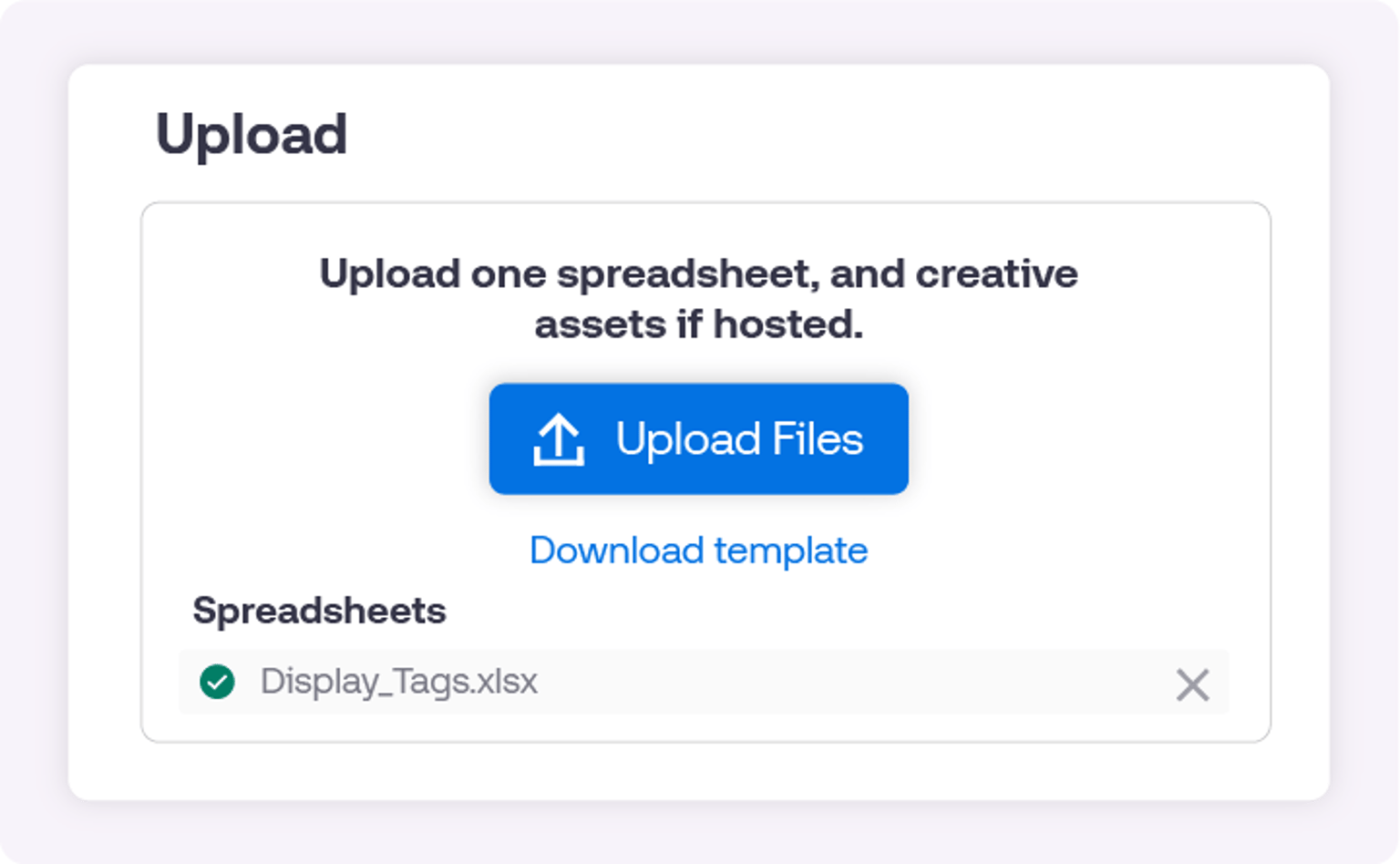
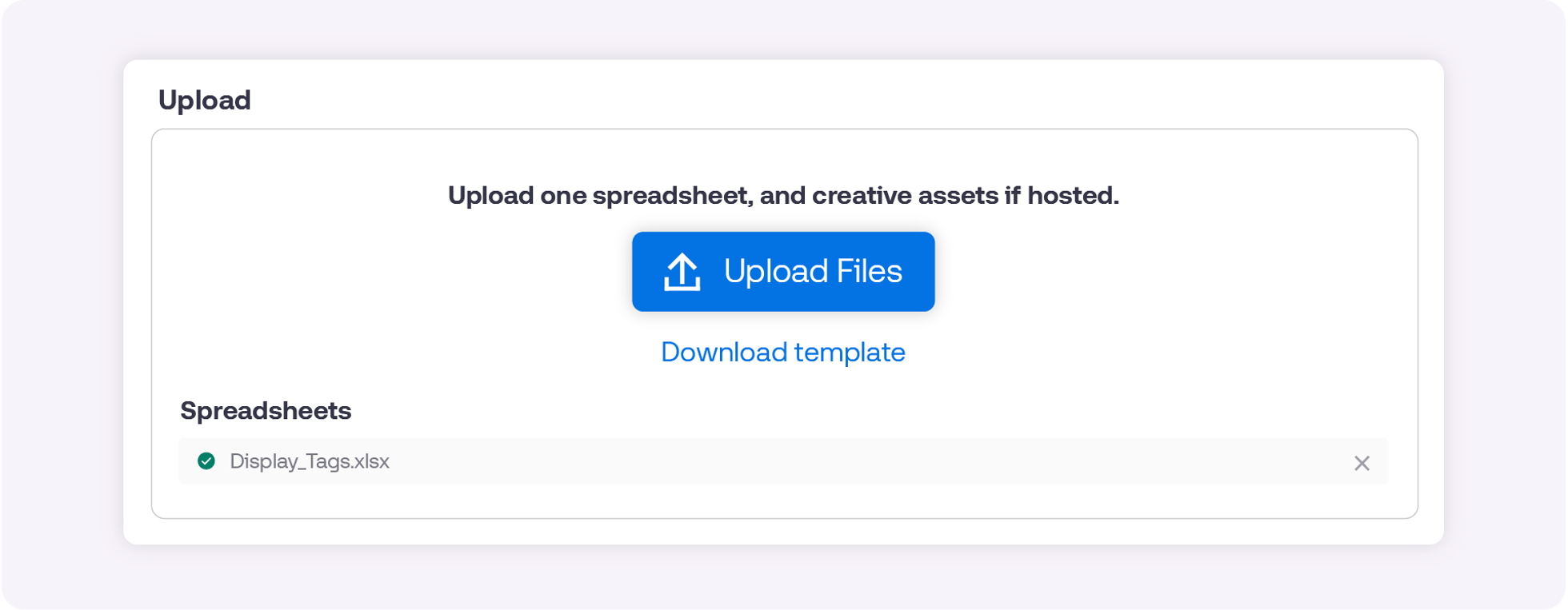
This update is currently in open beta. For access, reach out to your account manager at The Trade Desk. Once your access is enabled, visit the Creative Library and click on “Bulk Uploads” to start uploading your third-party display, video, or audio creatives.
This information is provided solely for background and is not a representation or guarantee of any future performance.
Resources Our platform
Resources Artificial Intelligence
Resources Data and measurement