Resources Connected TV
Pause ads are here, signaling the next evolution of CTV
Recruiting fraud is a growing issue for many companies.
The Trade Desk takes this issue seriously and is taking steps to address it.
Our platform
Share:
Note: This article was updated to include new information on how to get access to the features listed on March 3, 2026
Efficiently managing deal targeting is critical for traders, especially when campaigns span multiple publishers and marketplace settings. This Kokai update simplifies the experience by bringing deal and marketplace controls into a single, streamlined view, so you can understand your setup and make quick adjustments.
Advertisers typically reach audiences in one of two ways:
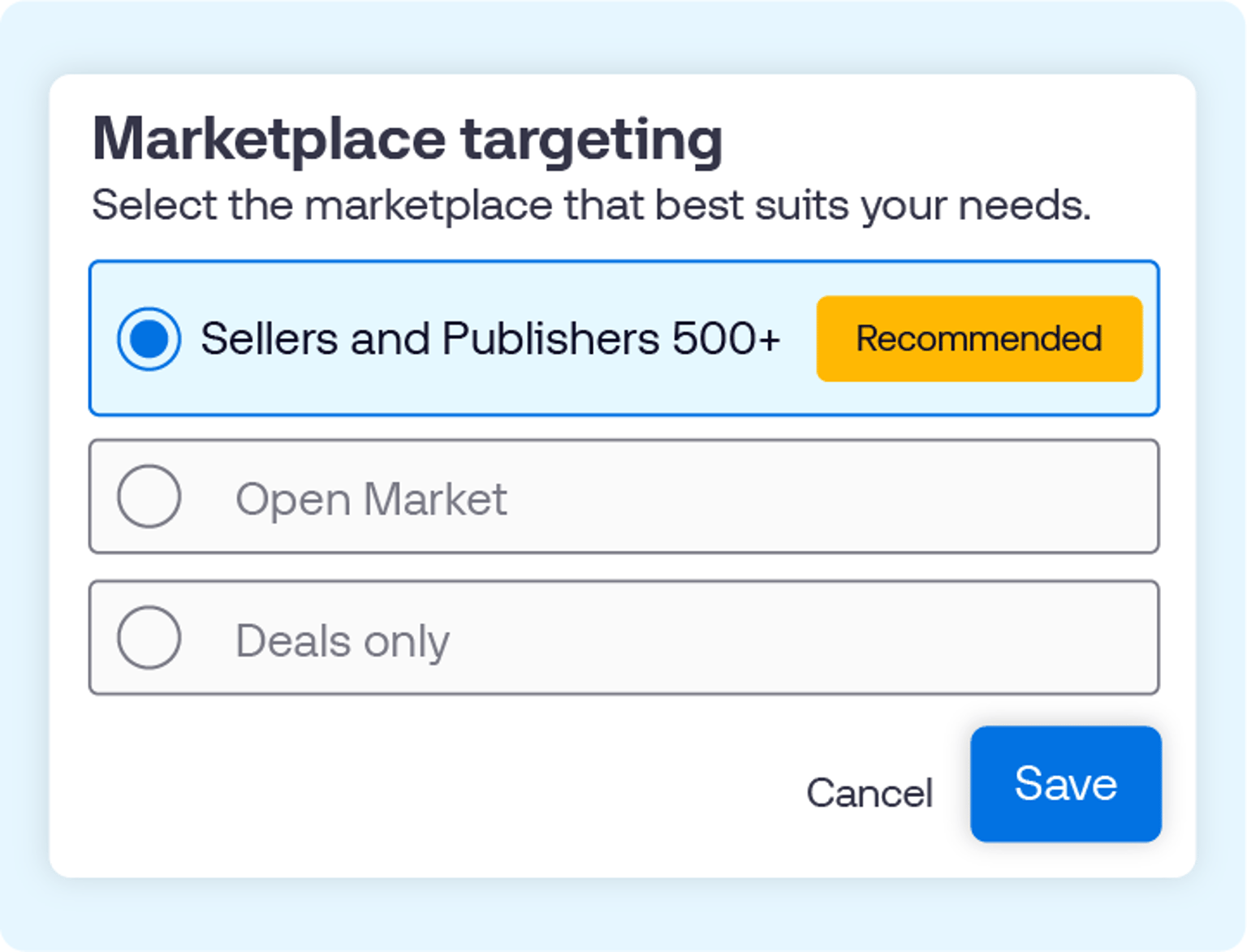
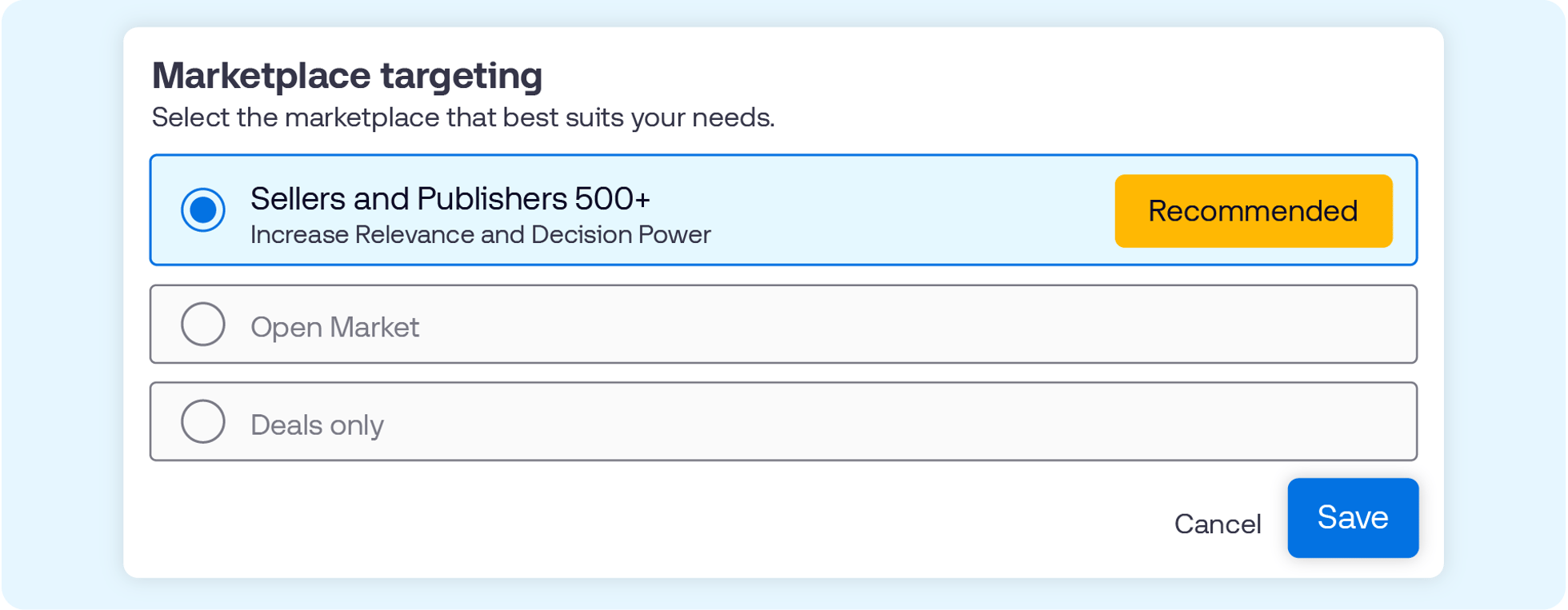
This update supports both approaches by centralizing inventory decisions within one redesigned Forward (FWD) tile. With this new experience, you can:
You can bulk edit content signals, such as genre, and quality settings, such as TV Quality Index (TVQI) and ad load, directly from your campaign overview page. Simply select the ad groups you’d like to edit.
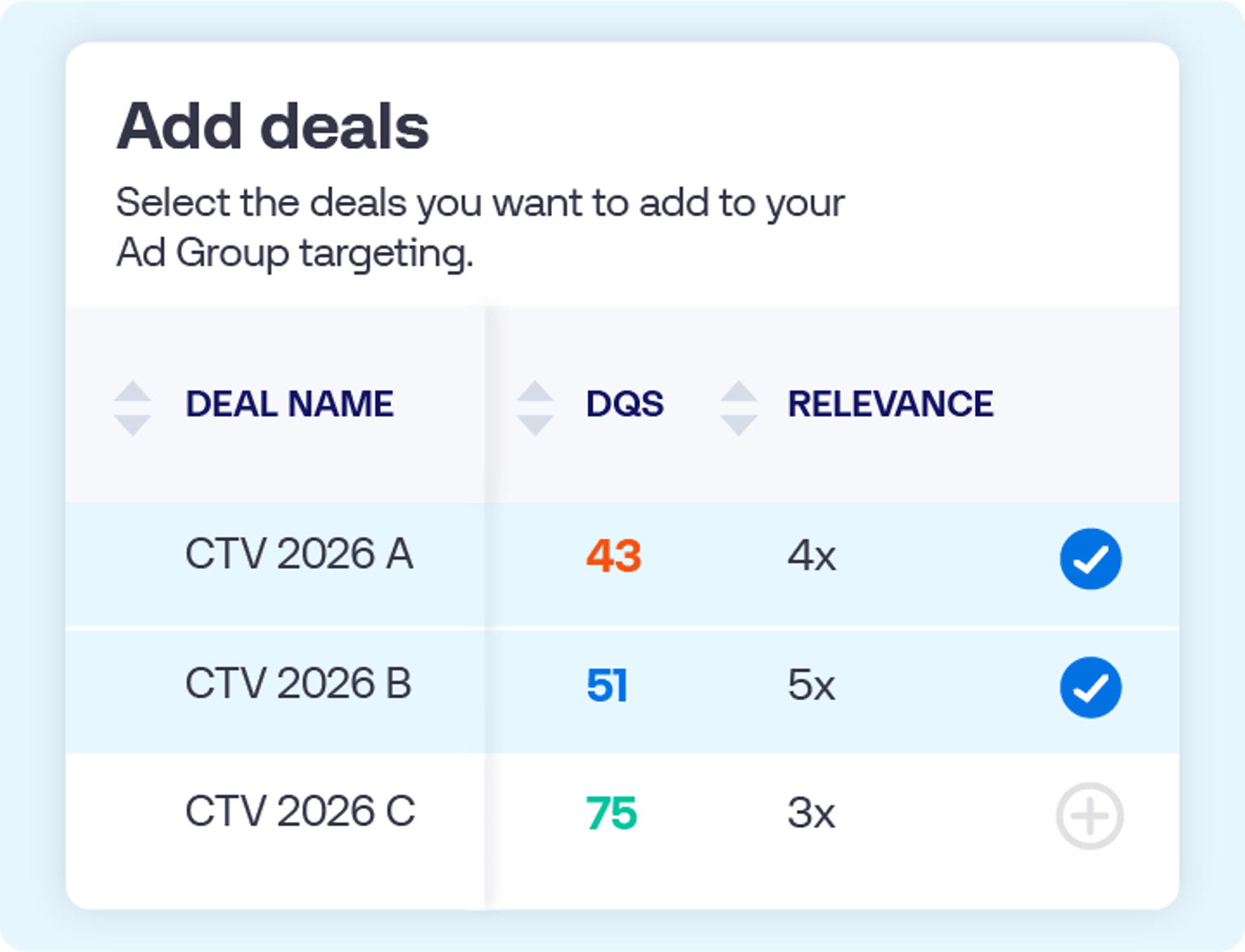
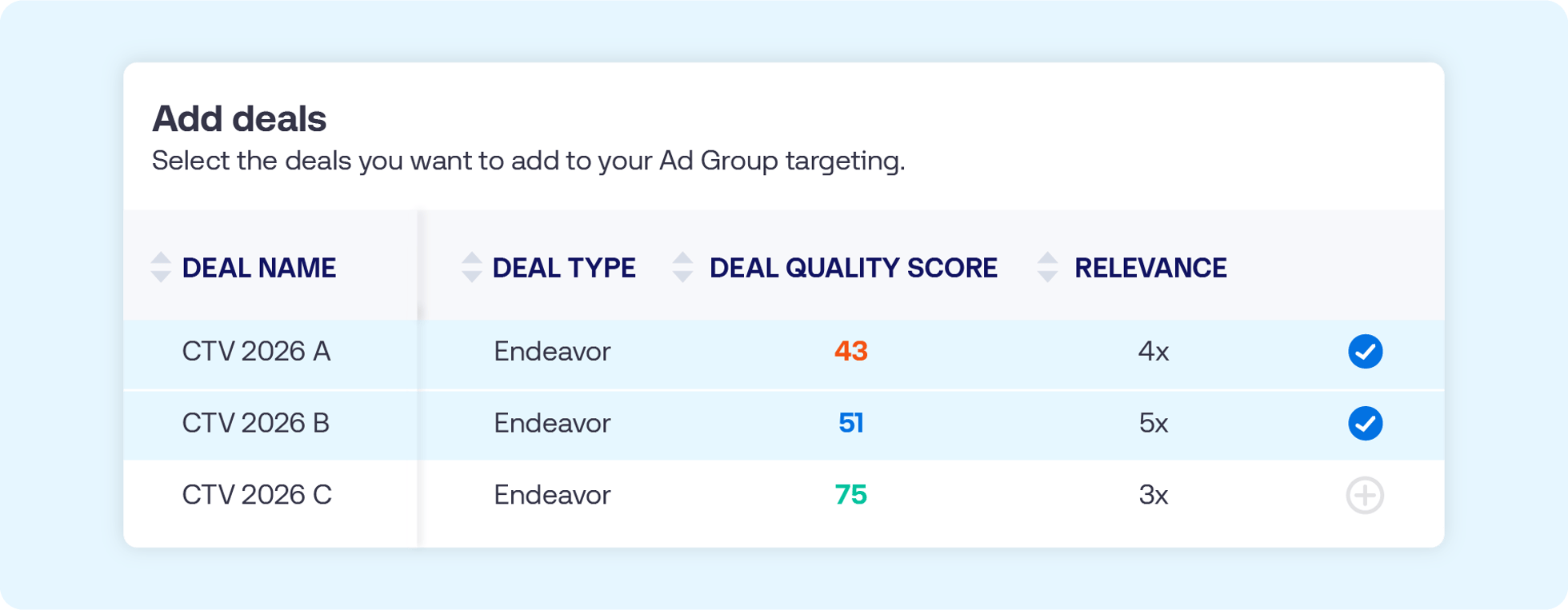
This feature is now in open beta. To get started, reach out to your representative at The Trade Desk and then take the following steps:
Click here for a deeper walk-through of deal and marketplace targeting, or reach out to your representative for additional guidance.
This information is provided solely for background and is not a representation or guarantee of any future performance.
Resources Connected TV
Resources Our platform

Resources Our platform