Our platform
Manage omnichannel performance in one place
Share:
What it is
We’ve upgraded the campaign group experience to make omnichannel management easier. You can use campaign groups to help organize your strategy across channels. They now have a dedicated home where you can manage campaigns and understand performance all in one place.
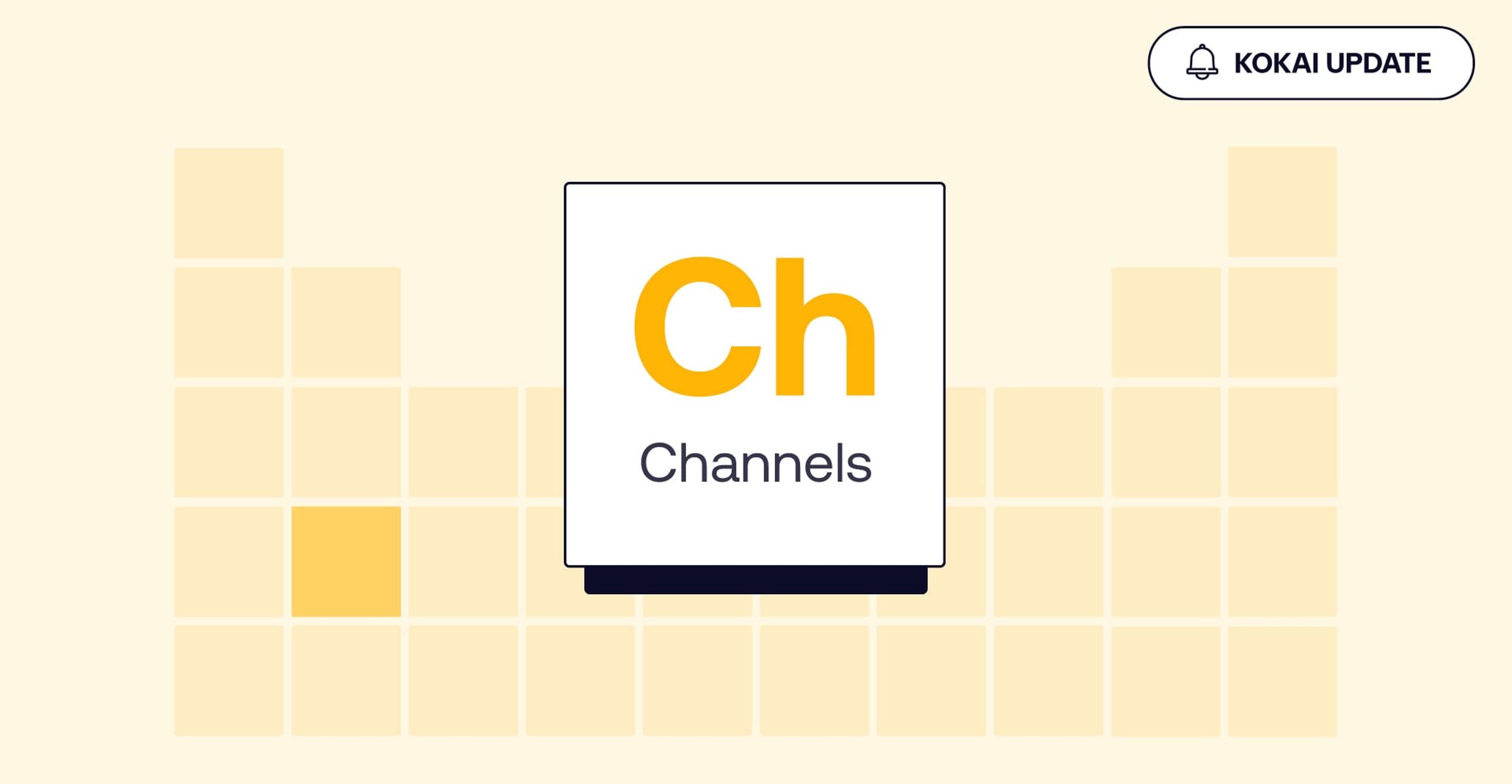
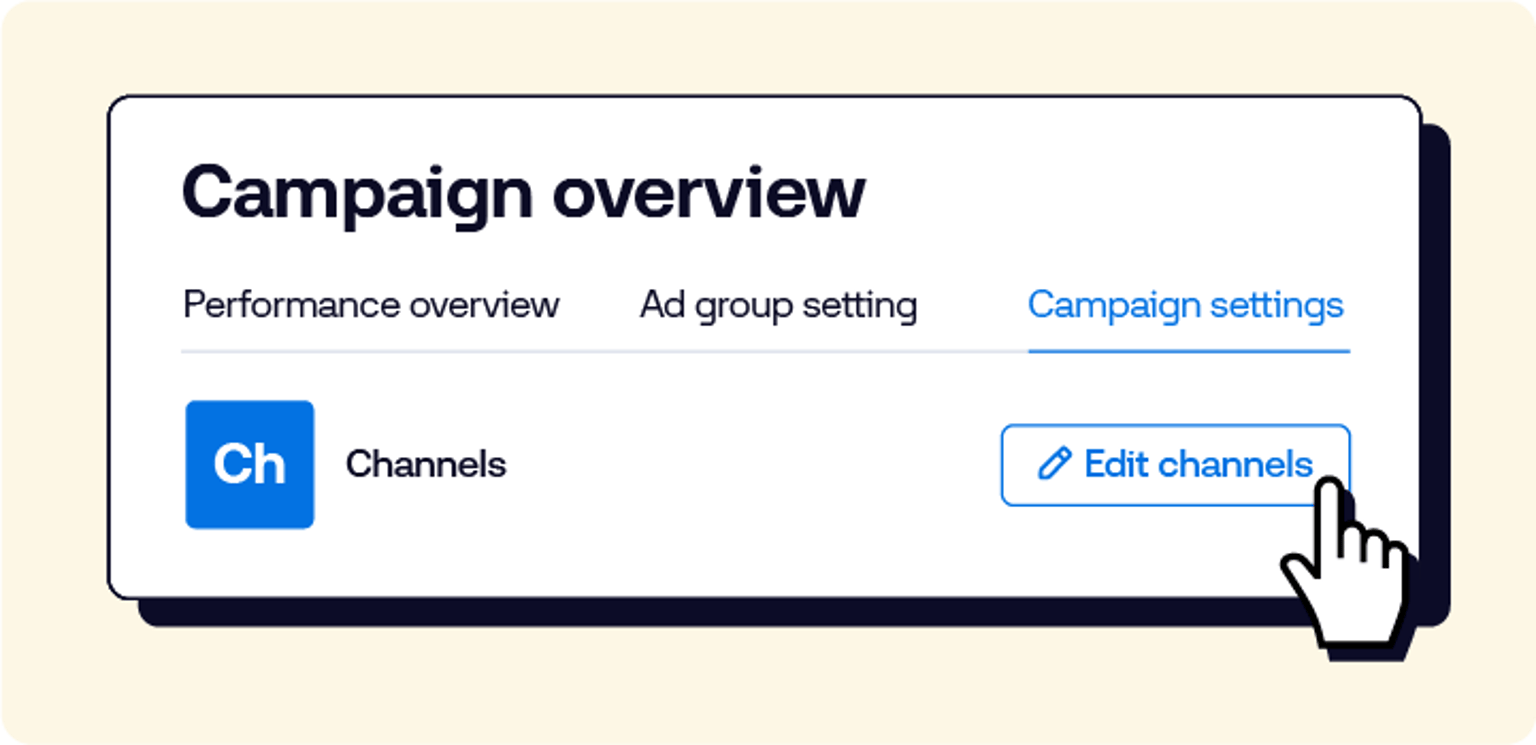
From this central landing page (accessed via “campaign settings” > Channels (Ch) tile icon) or by clicking on an existing group directly, you can quickly update which campaigns are included, turn on omnichannel optimizations, and see how your channels are working together. Key metrics like channel overlap and conversion contribution are surfaced up front, allowing you to quickly assess cross-channel impact without generating a report.
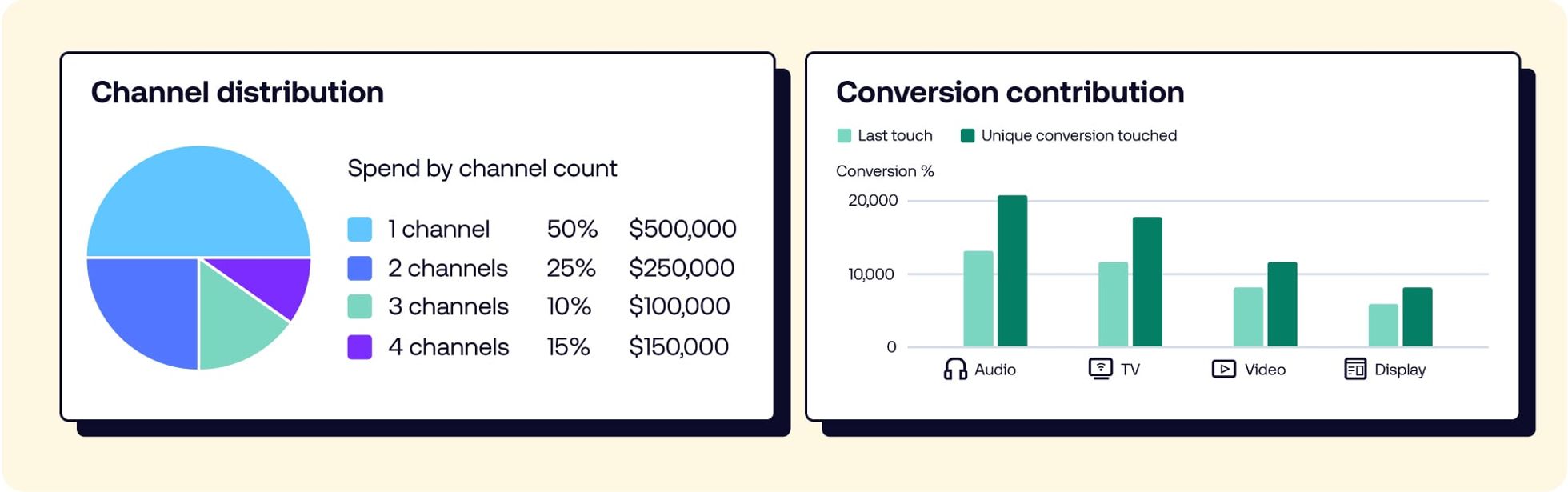
What’s new
From this hub, you can take action and access insights across channels:
Enable omnichannel optimizations at the campaign group level to help improve performance across channels.
Manage campaign group details, including naming, grouping, and marketing initiatives.
Add or update campaigns as strategies evolve.
View cross-channel performance with key metrics surfaced directly in the UI.
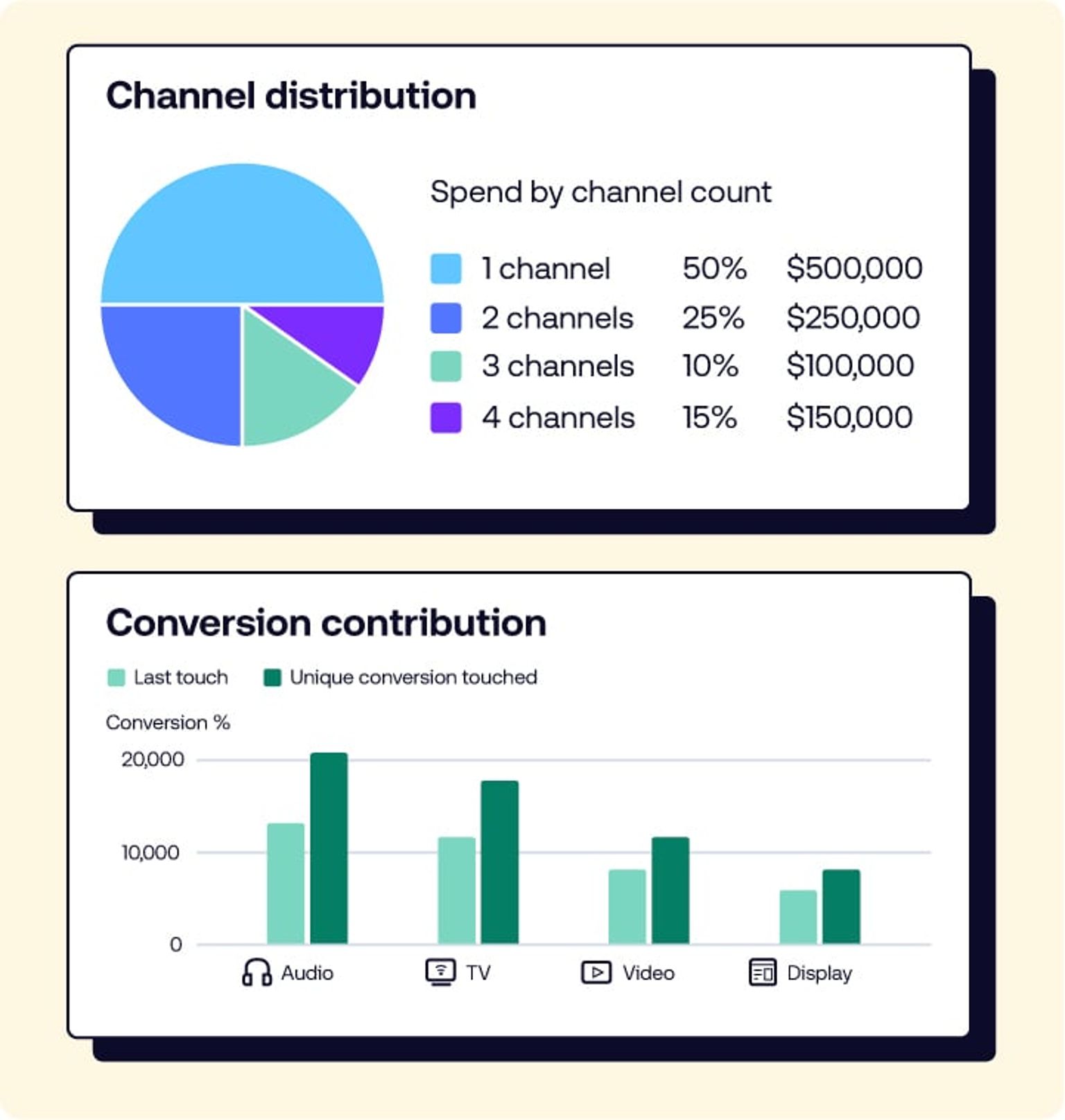
You’ll also see new insights to help you understand how channels work together:
Omnichannel performance trends: Track changes in the average number of channels per user and overall channel overlap.
Channel distribution: See how impressions, spend, and performance vary by channel count.
Conversion contribution: Understand how each channel supports conversions, even beyond last-touch attribution.
FYI
Once enabled, omnichannel optimization will automatically adjust delivery across channels, helping you reach users through the combinations that perform best.
Our platform
How to get access
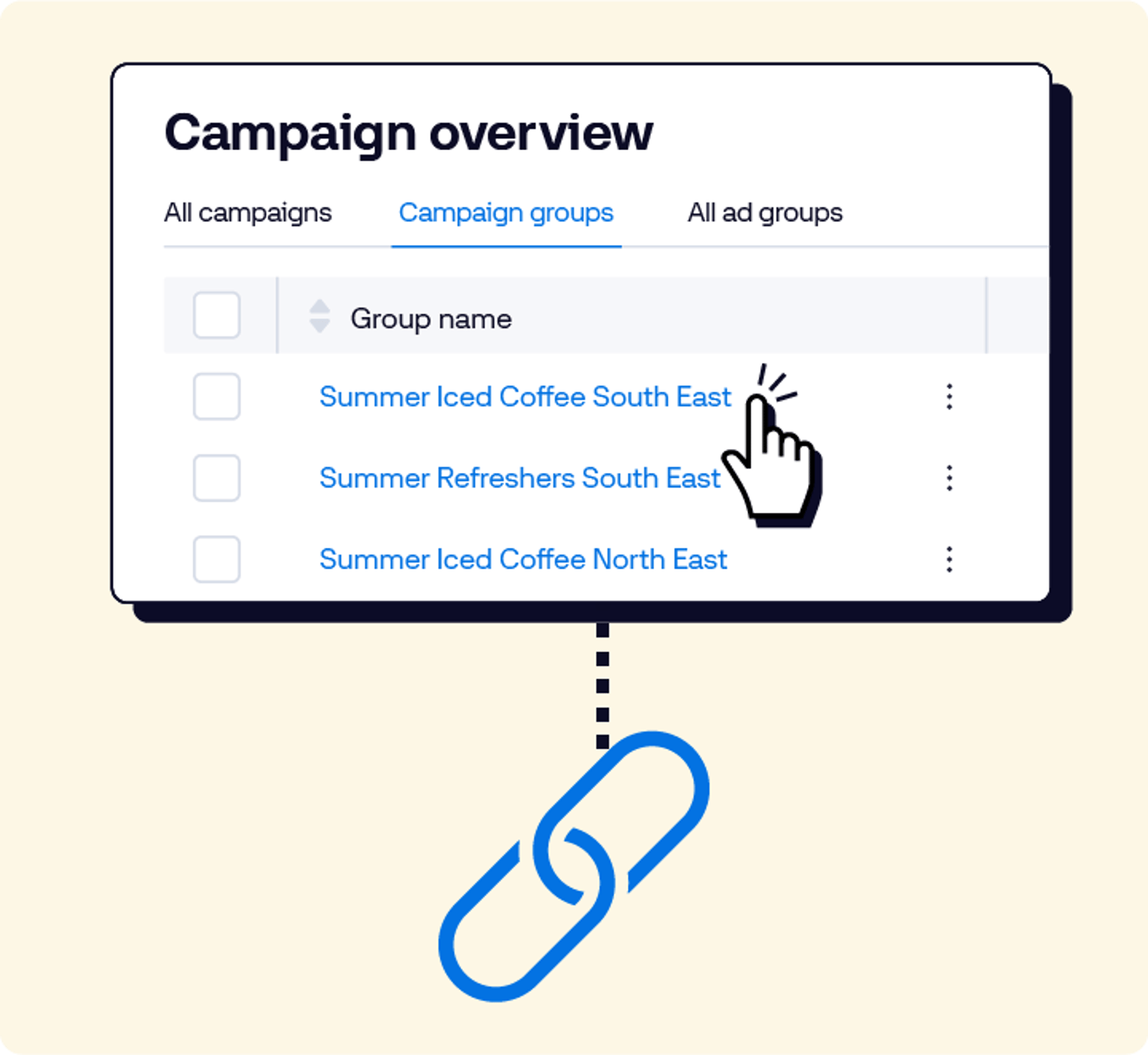
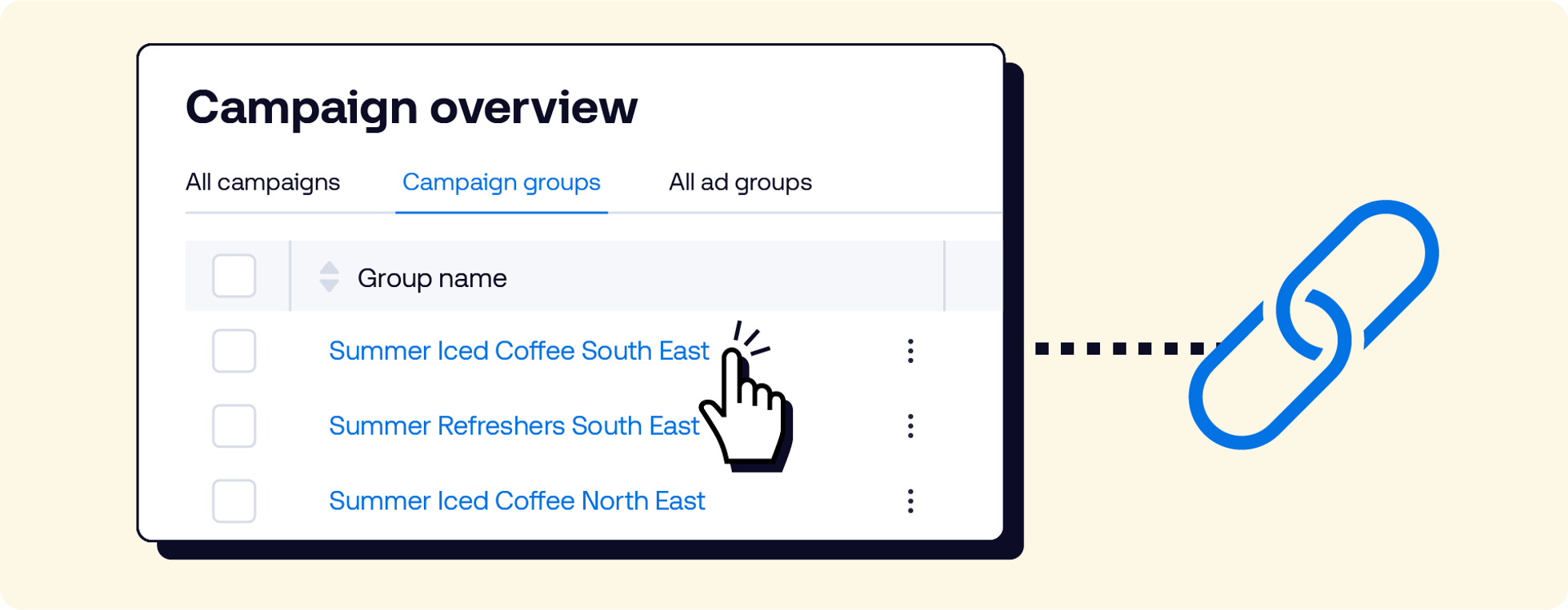
Once you’ve created a campaign group, you can access this page in two ways:
Click the campaign group name from the advertiser page.
2. In “Campaign Settings,” click the “Channels” icon, and then select “Edit channels.”
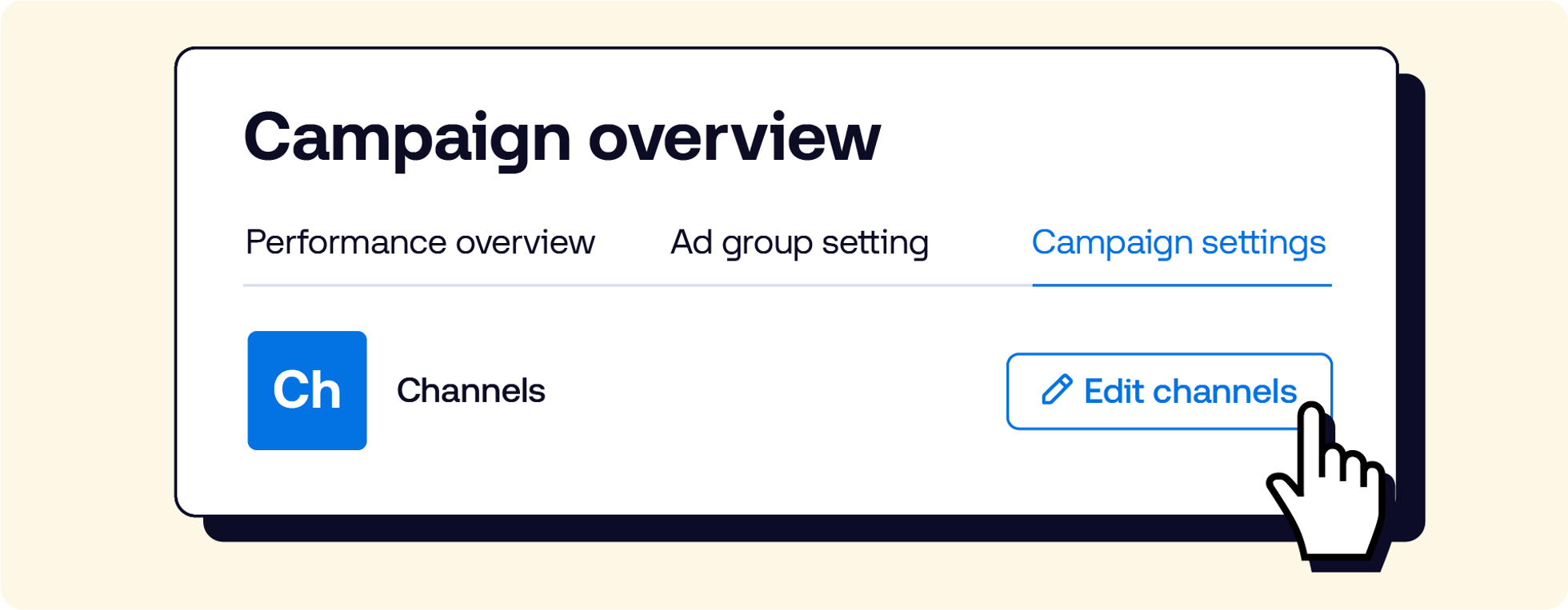
Visit the Knowledge Portal for a detailed walk-through (requires a platform login) or reach out to your representative at The Trade Desk for additional support.
This information is provided solely for background and is not a representation or guarantee of any future performance.
More like this
Resources Omnichannel
Drive awareness outcomes with omnichannel activation
Resources Our platform
See how bulk edits affect scale before you commit
Resources Artificial Intelligence
Experience the next generation of AI assistance with Koa Agents