Our platform
Your end-of-year media-planning checklist
Q4 is one of the busiest periods in advertising, but it’s also when teams may wind down for the holiday season. The Trade Desk’s AI features and Kokai tools can help make it easier for traders to maintain momentum, troubleshoot issues, and protect performance automatically through the end of the year.

Share:
December can be a hectic month for advertisers: Budgets need to be spent in full, campaigns need to be optimized, and Q1 launches need to be teed up before teams take a well-deserved holiday break.
Our AI-powered tools can help make that sprint easier. Use this checklist to save time, troubleshoot faster, and set yourself (and your Q1 campaigns) up for a strong start in 2026.
1. Start with AI-powered troubleshooting
See what could be holding back scale the moment you land on an ad group’s Programmatic Table view. The platform’s AI enables you to:
- Identify restrictive settings quickly
- Optimize in real time
- Reduce back-and-forth diagnostics during the busiest weeks of the year
2. Work toward raising your Decision Power Score
Higher Decision Power Scores can unlock more flexibility and allow the platform’s AI to make smarter, more efficient decisions. To help raise your Decision Power Score, you can:
- Expand your eligible inventory and audiences
- Adjust bid ranges to increase scale
- Review settings that may limit your evaluable impressions
Get more
3. Use incremental budget insight to uncover growth
Add the Incremental Budget column in Portfolio View to see where additional spend can further drive performance. This helps you:
- Identify campaigns with room to scale based on Decision Power
- Shift underperforming spend to stronger pockets of opportunity
- Make faster, more informed end-of-year allocation decisions
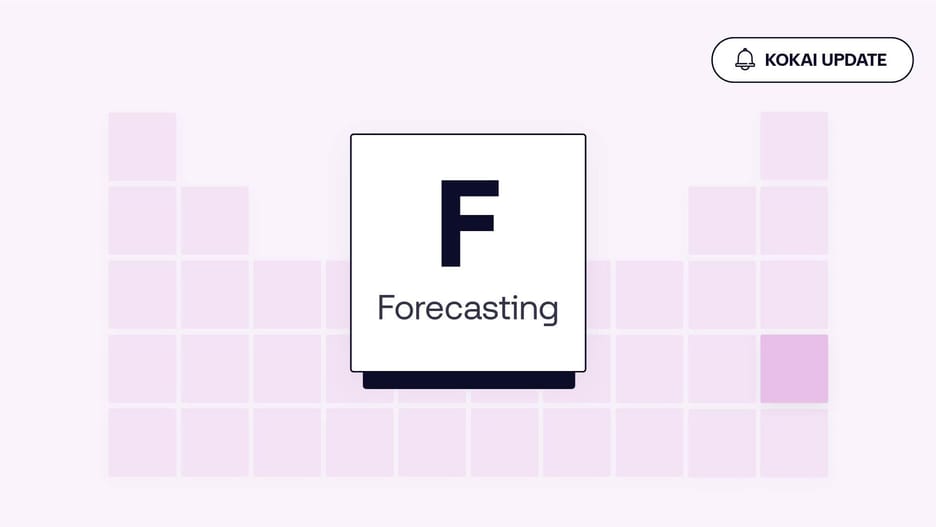
4. Use forecasting to simplify your December budgeting
Channel forecasting, accessed in the Campaign Forecasting (F) tile, helps you plan with better predictability during a high-volume season. Use it to:
- Understand where spend will land
- Estimate reach and performance across channels
Kokai update
5. Enable omnichannel optimizations
Activate omnichannel optimization in the Channels (Ch) tile to let the platform’s AI help improve cross-channel performance. An omnichannel strategy enables you to:
- Unlock efficiencies by allowing budgets to flow across channels
- Extend reach and aim to boost relevance as signals shift day-to-day
- Reduce micromanagement during peak workflow weeks
Recommendations to help prep for a successful January launch
1. Upload creatives in bulk now to save time later
Use bulk creative uploads — including flexible spreadsheets for third-party display — to prep assets early. This helps you:
- Avoid creative-approval bottlenecks in January
- Streamline launches as your team is coming back online
2. Review your default attribution settings
Use the updated advertiser-level attribution UI for clearer, more consistent measurement. Doing so can help:
- Ensure Q1 reporting is more accurate from day one
- Reduce troubleshooting later by aligning attribution early
3. Use campaign templates and cloning to speed up launches
Make January setups nearly automatic. Our platform allows you to:
- Clone successful campaigns from Q4
- Orchestrate templates to maintain consistency
- Launch multiple campaigns without repetitive setup work
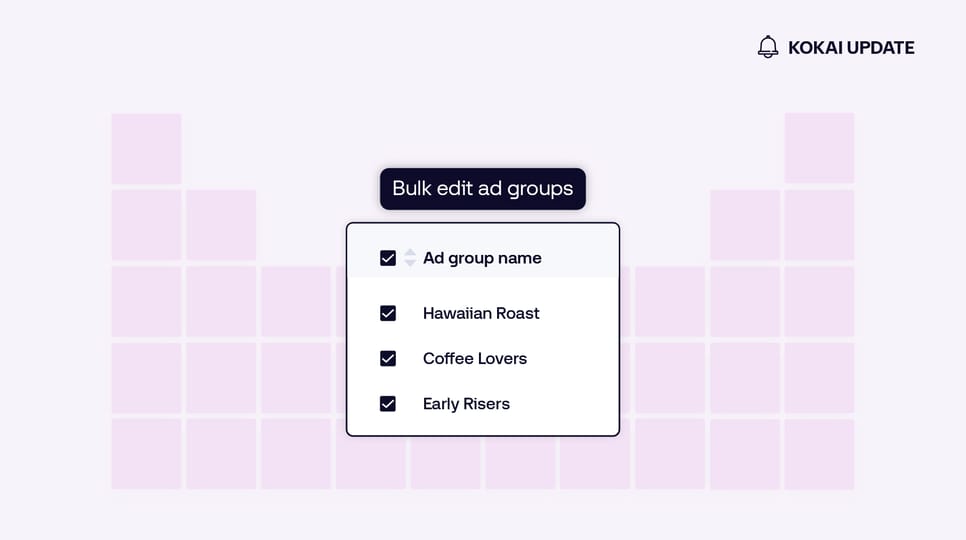
4. Make bulk edits with spreadsheets
Fine-tune multiple campaign and ad group settings at once to save time. The Kokai platform experience allows you to make changes across high-volume campaigns by selecting the campaigns you’d like to edit from the portfolio view and exporting them into Excel for bulk editing. Then, import them back into Kokai.
This allows you to:
- Leverage bulk editing to update budgets, bids, and targeting
- Reduce manual changes during the holiday rush
5. QA faster with new in-platform visibility
New QA tools like ad group-level visibility can make it easier to review settings in one place. They enable you to:
- Verify targeting, budgets, and pacing quickly
- Reduce errors before Q1 launches
- Build trust in your setups with clearer in-platform context
Finish the year strong and start 2026 even stronger
End-of-year advertising can drive profitable business outcomes, even over the holidays. With AI-driven tools, better forecasting, and smarter workflows, you can:
- Spend your budget in full
- Work toward maximizing campaign performance
- Reduce manual end-of-year work
- Launch January campaigns quickly and confidently
Bookmark this checklist, share it with your team, and make Q4 one of your most efficient quarters yet.
If you’d like to learn more about how The Trade Desk can help you ensure your advertising works overtime for you during the holidays, contact your account team today.
This information is provided solely for background and is not a representation or guarantee of any future performance.
More like this
Resources Omnichannel
Drive awareness outcomes with omnichannel activation
Resources Our platform
See how bulk edits affect scale before you commit
Resources Connected TV
Pause ads are here, signaling the next evolution of CTV