Resources Our platform
Zuma, the next evolution of Kokai, is here

Recruiting fraud is a growing issue for many companies.
The Trade Desk takes this issue seriously and is taking steps to address it.
Our platform
Share:
Within the Kokai platform experience, Koa Optimizations dynamically adjusts bids and prioritizes the inventory most likely to drive campaign results. With the new Koa Optimization settings, traders can have more control over how pricing and prioritization decisions are made in real-time execution.
We’ve introduced new controls that allow you to fine-tune how Koa Optimizations works toward your campaign goals.
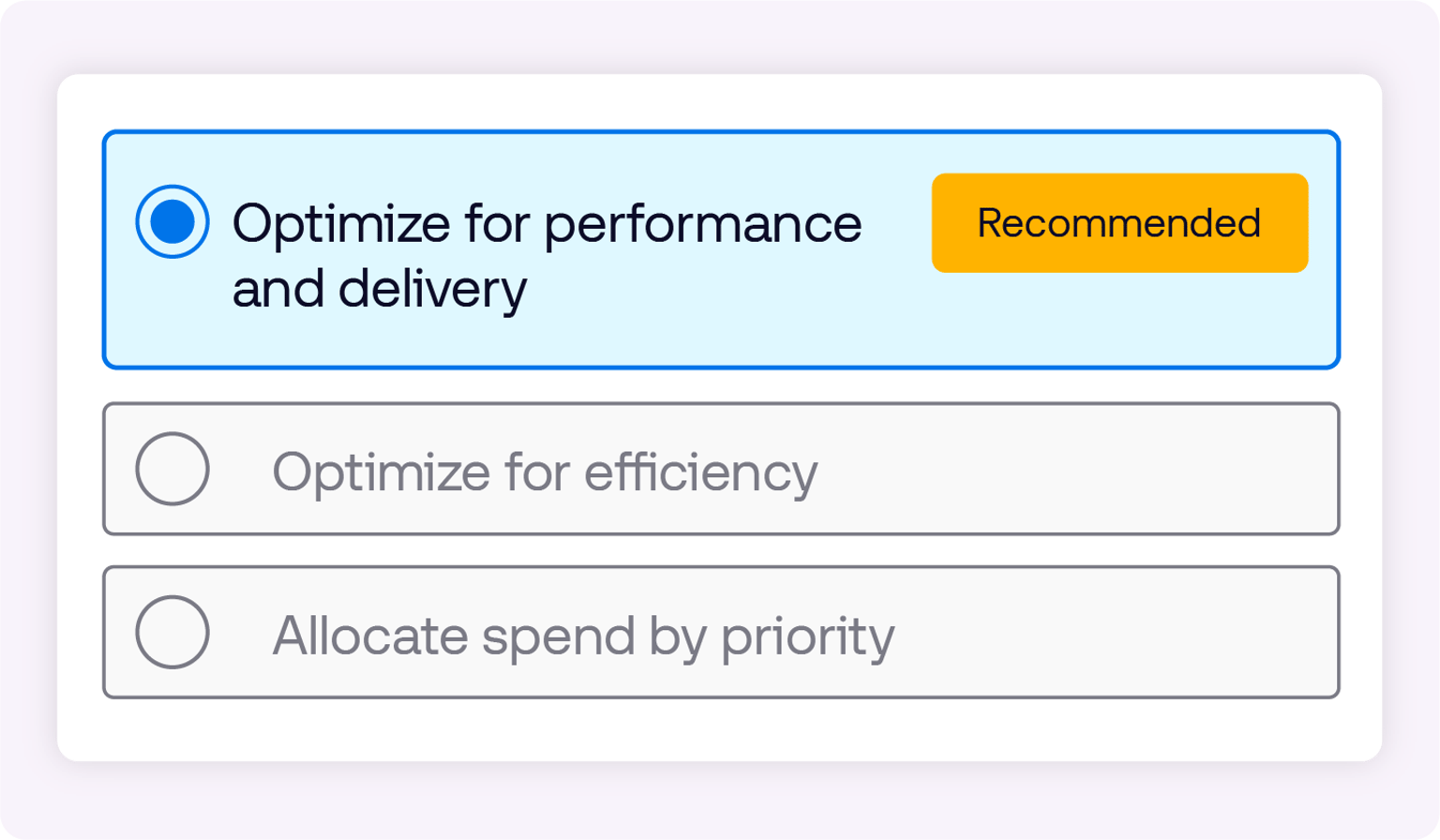
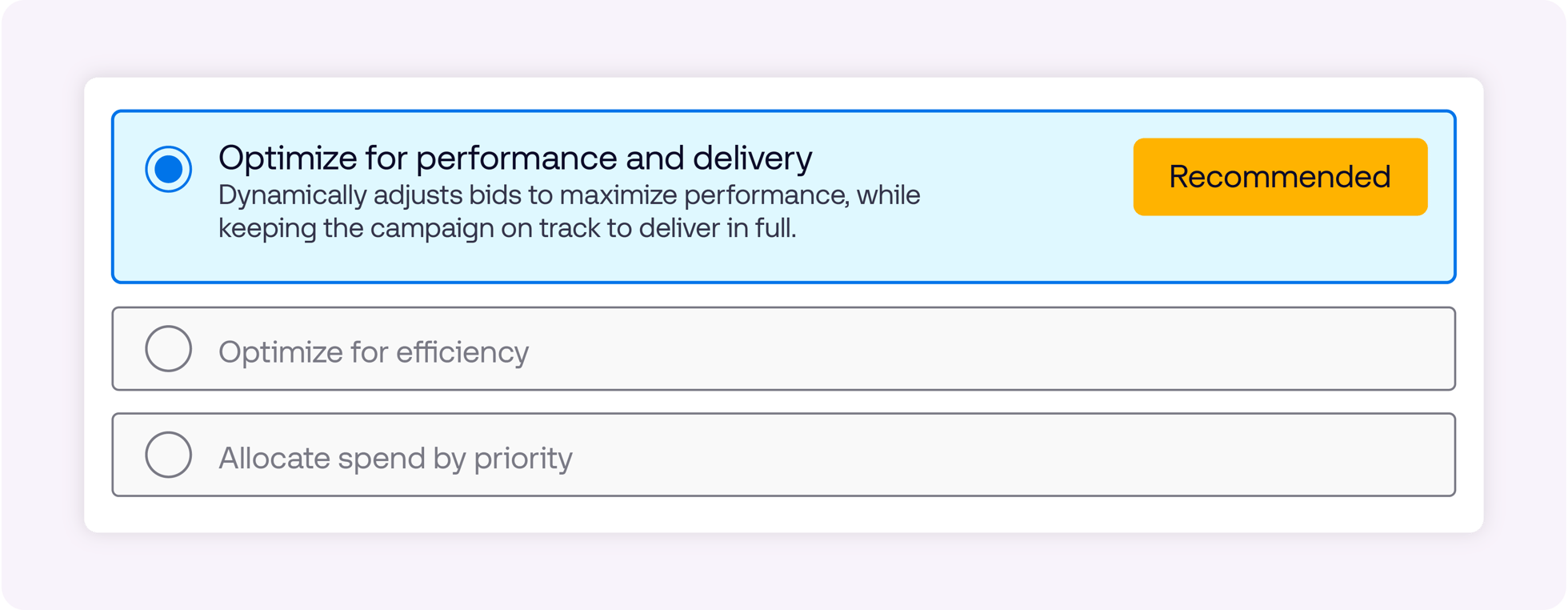
You can choose from three settings:
Optimize for performance and delivery: Balances pacing and performance to help maximize results while allowing for campaigns to deliver effectively
Optimize for efficiency: Prioritizes cost-efficiency to help campaigns achieve outcomes at lower effective prices
Allocate spend by priority: Focuses delivery toward preferred inventory or campaign priorities
After you apply your desired setting, you no longer need to enable Koa Optimizations for every dimension of each campaign. With this update, Koa Optimizations will be on, ensuring that the settings you apply leverage and benefit from AI-driven bid factors and automated performance aligned with your goals.
Rather than a simple on/off switch, Koa Optimizations are more transparent. Bid factors are visible in the platform, and traders can choose to work alongside Koa by overriding optimizations at any time by applying bid factors of their own.
In other words, Koa will automatically optimize within your defined targeting dimensions while still respecting any manual inputs you apply. You get the efficiency of automation — without giving up control.
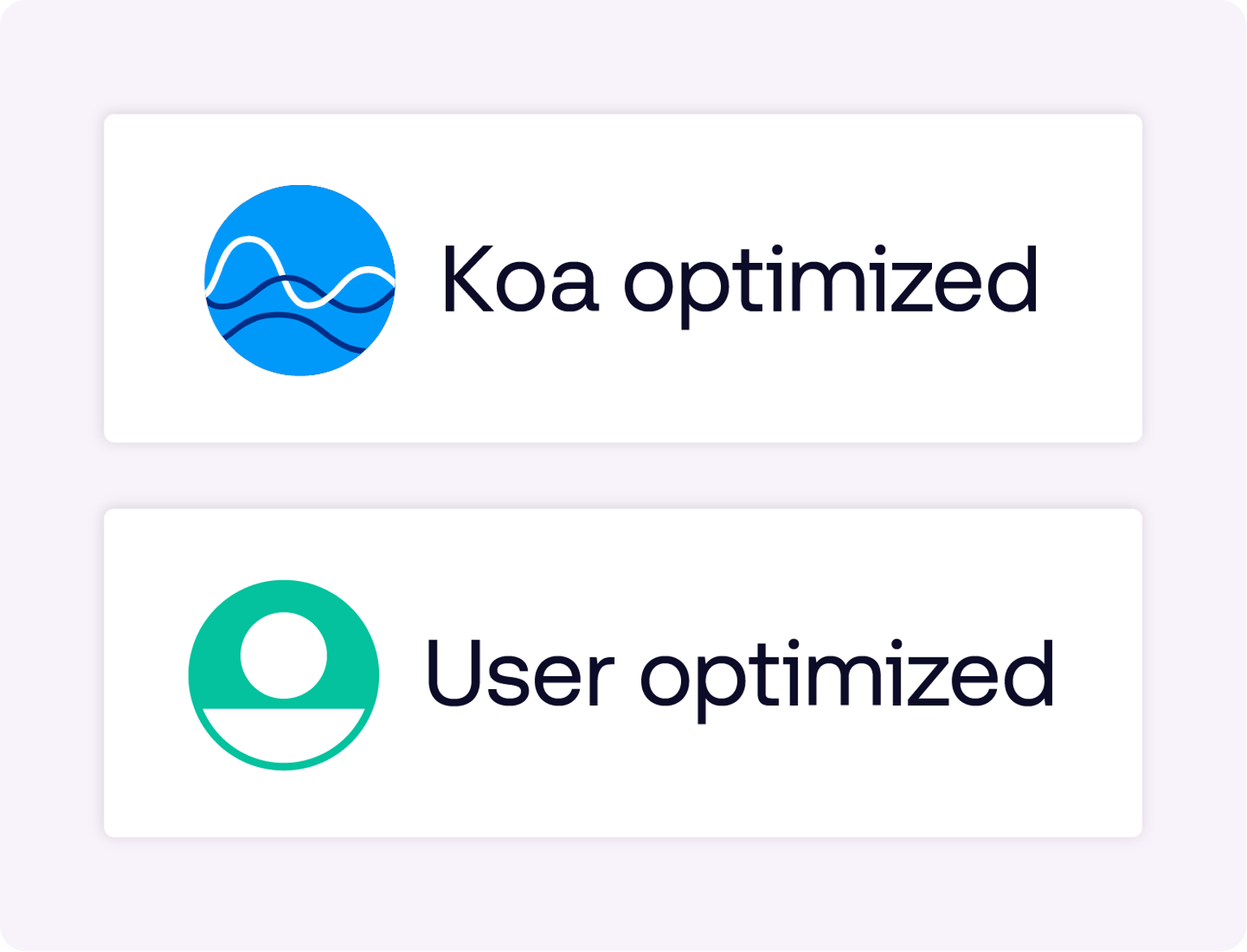
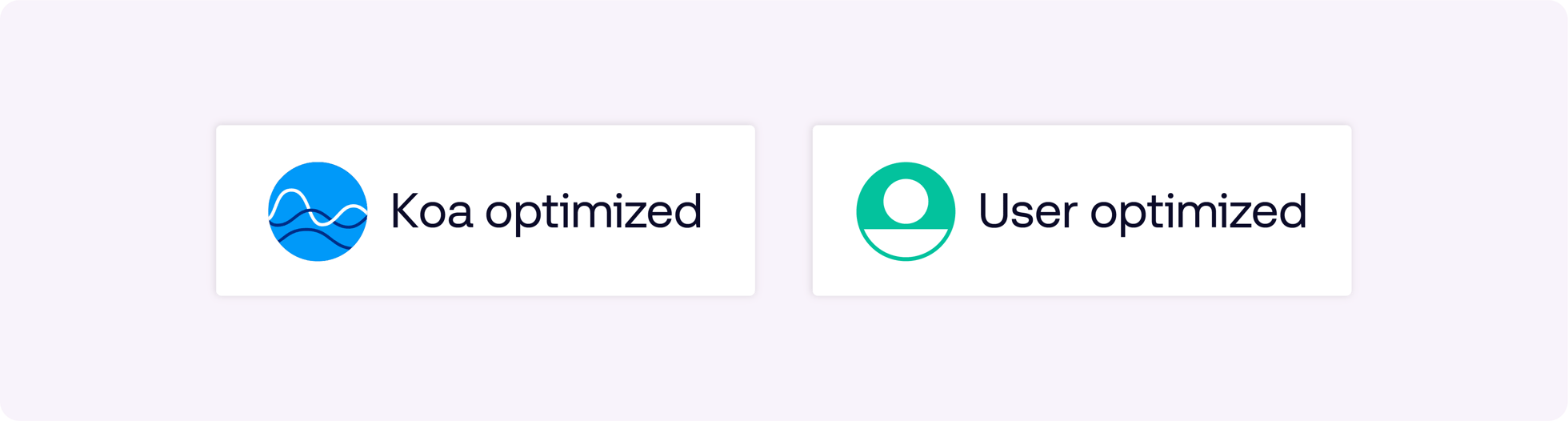
Next to every optimization, you’ll see one of two icons:
Koa optimized shows you the dimensions AI has optimized.
User optimized shows you the dimensions where you’ve optimized.
This feature is currently in closed beta. Reach out to your client services team to learn more and gain access. If granted, you may navigate to the Koa Optimizations (K) tile to adjust your advanced Koa settings:
Visit a campaign
Go to the Koa Optimizations (K) tile
Click “advanced settings” to modify your preferences
Visit specific tiles to apply bid factors alongside Koa
This information is provided solely for background and is not a representation or guarantee of any future performance.
Resources Our platform
Resources Artificial Intelligence
Resources Data and measurement