Profile Information Request
A Profile Information Request to join from The Trade Desk to you, the supplier.
Recruiting fraud is a growing issue for many companies.
The Trade Desk takes this issue seriously and is taking steps to address it.
GLOBAL SUPPLIER RESOURCES
Whether you are a new supplier or already a part of our database of trusted suppliers, we will need you to provide and maintain your information with The Trade Desk.

The Trade Desk uses the Coupa Supplier Portal (CSP) to collect and manage supplier information. This guide provides instructions on completing our information request form. While Joining the CSP is optional, using the CSP helps avoid duplicate form submissions if there are discrepancies or if The Trade Desk needs more information to process your payments. If you are unable to join the CSP, click Respond Without Joining to complete our form.
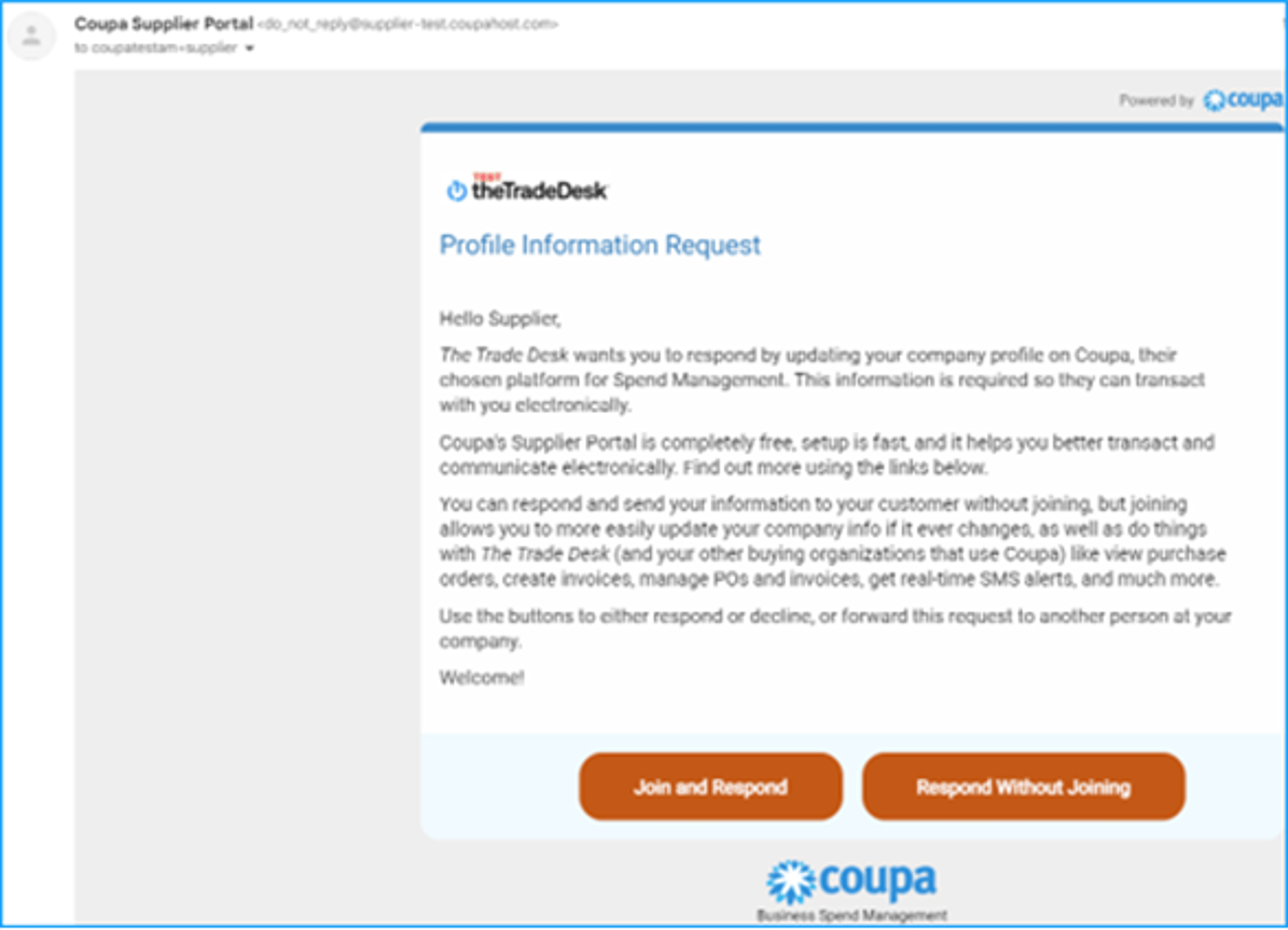
The Trade Desk will invite you to the Coupa Supplier Portal (CSP) to complete the supplier onboarding form or to update your information.
If you currently use the CSP, please ensure the email you received the information request invitation is the same email connected to your account.
Please reach out to the buyer or accounts payable to receive an invitation. Invitations to the CSP to complete the onboarding form or information request expire after 30 days.
If you have not already been invited, please contact us!
A Profile Information Request to join from The Trade Desk to you, the supplier.
The option to join when receiving a Coupa Purchase Order from The Trade Desk.
Supplier Name: Ensure the Supplier Name matches the company name you are registered with.
Supplier DBA Name: If your company goes by another name, add to this field.
Website: Add your supplier website
Organization Type: Complete this field based on your tax documents.
Business Unit: This is an internal field which is completed by The Trade Desk.
US or International: This is an internal field which is completed by The Trade Desk.
Goods or Services Provided: Add what The Trade Desk is purchasing from you.
Payment Terms: The agreed upon terms located on the purchasing contract, SOW, or OF.
Purchase Order Delivery Email: the email which you would like to receive a copy of a PO. Some, not all, of our suppliers will receive a PO.
Have you ever been a customer of The Trade Desk? : If you are currently a customer of The Trade Desk, please indicate ‘Yes’
Are you an existing supplier to The Trade Desk? : If you have been a trusted supplier with The Trade Desk prior to completing this form, please indicate ‘Yes’
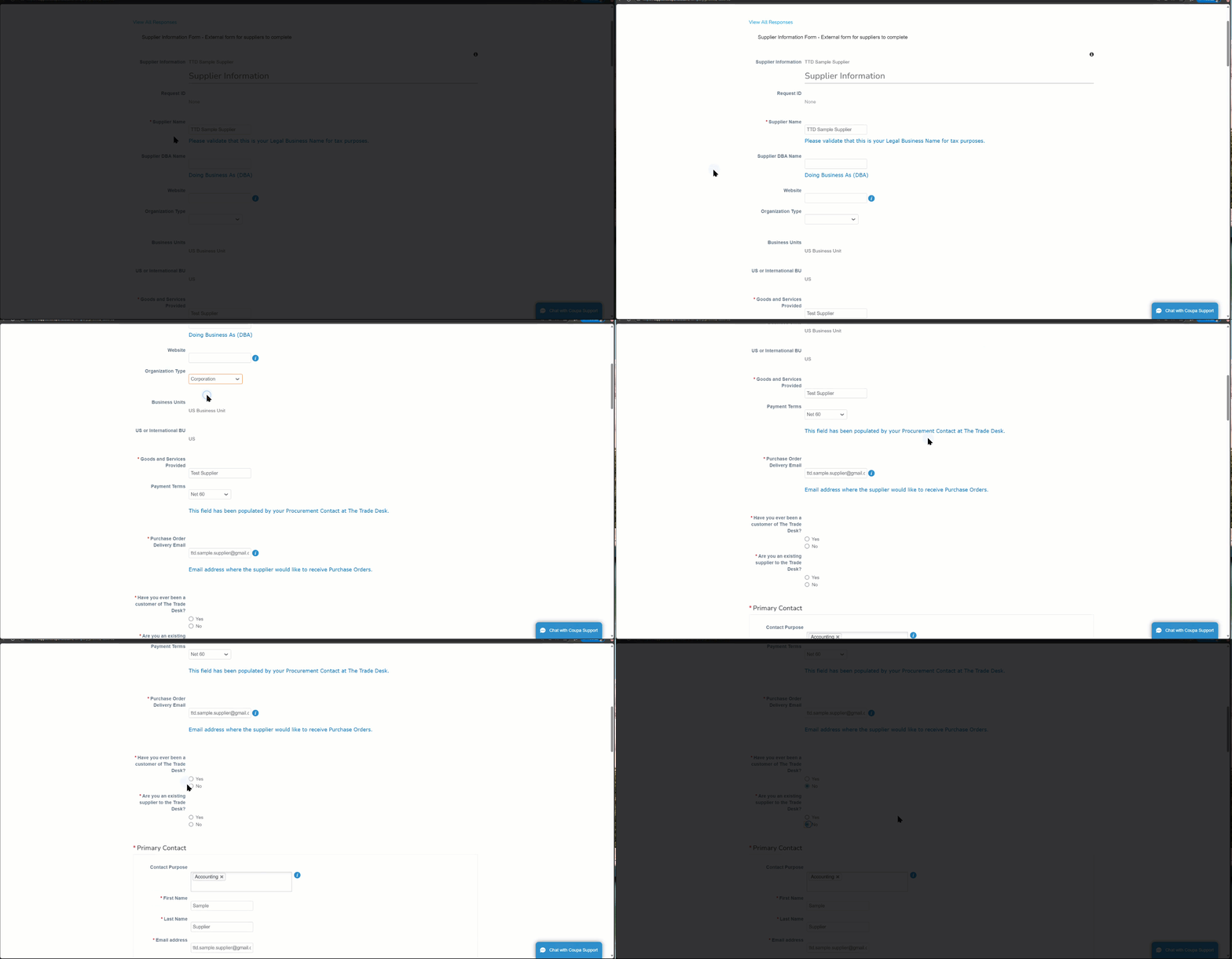
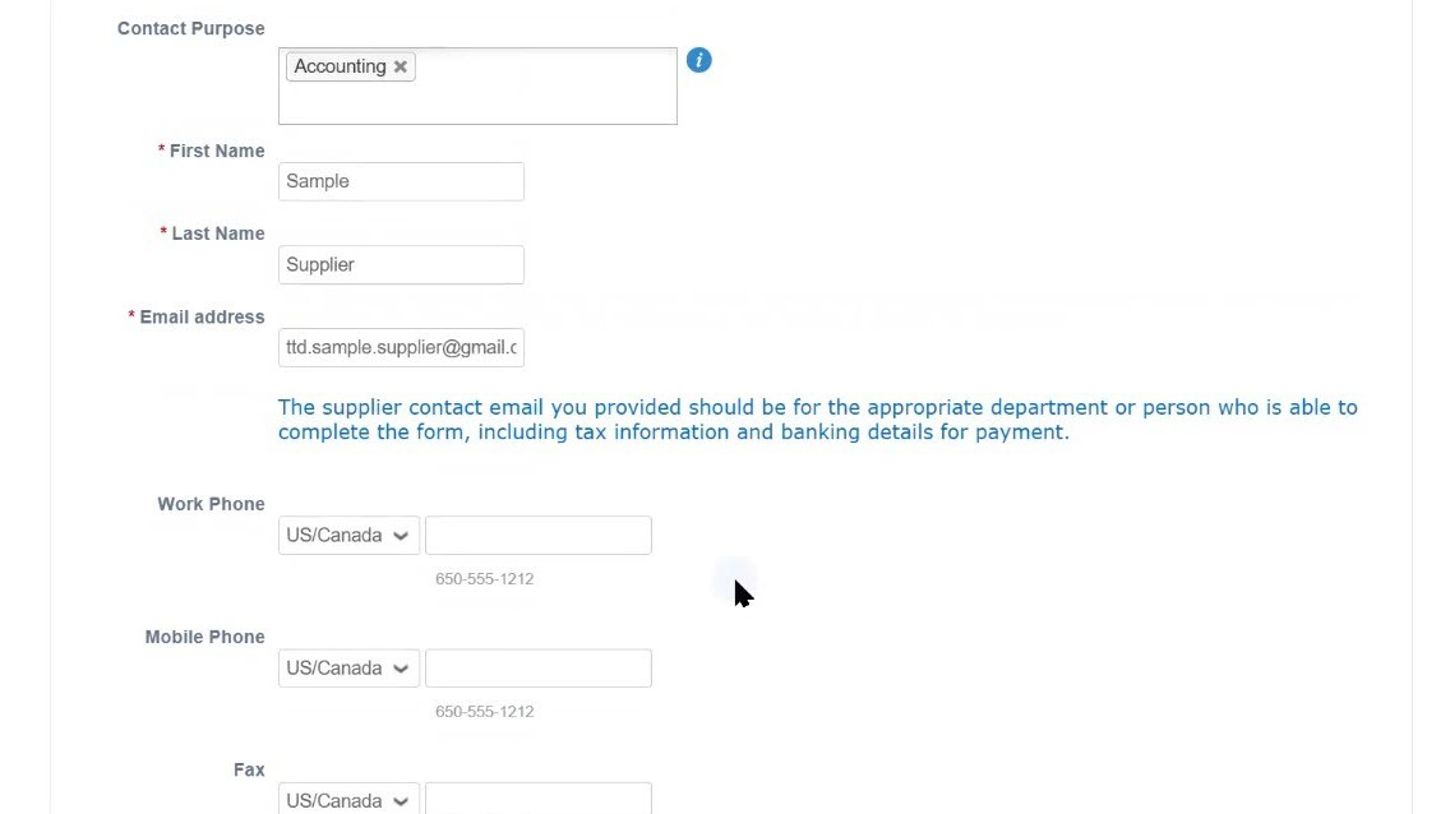
Contact Purpose: What department or type of contact are you providing?
First Name: First name of the person completing the form
Last Name: Last name of the person completing the form
Email Address: Email address of the person completing this form.
Work Phone
Mobile Phone
Fax
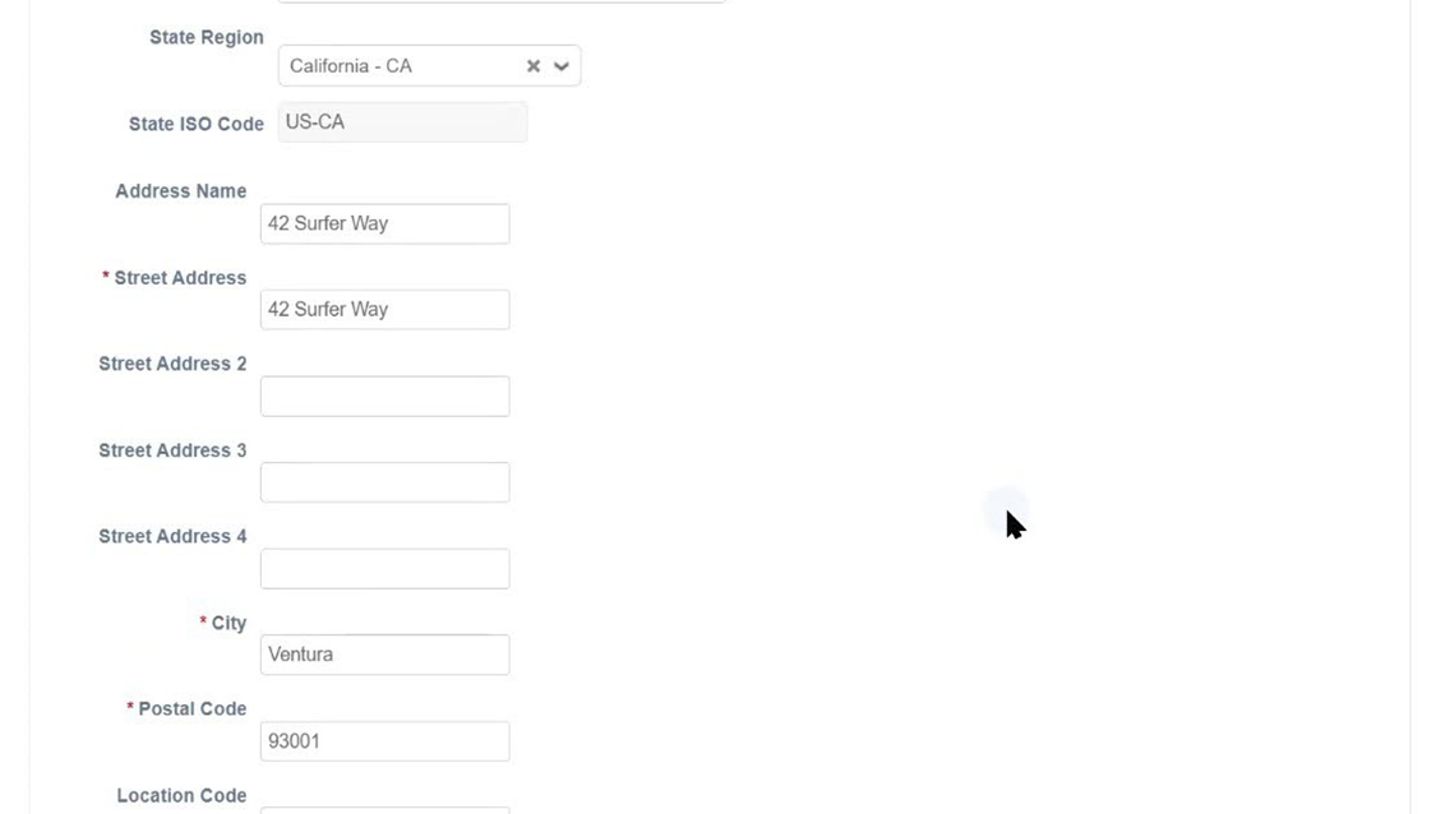
Address Purpose: Please add the address that is located on your tax form.
Country/Region
State Region
Address Name
Street Address
City
Postal Code
Location Code
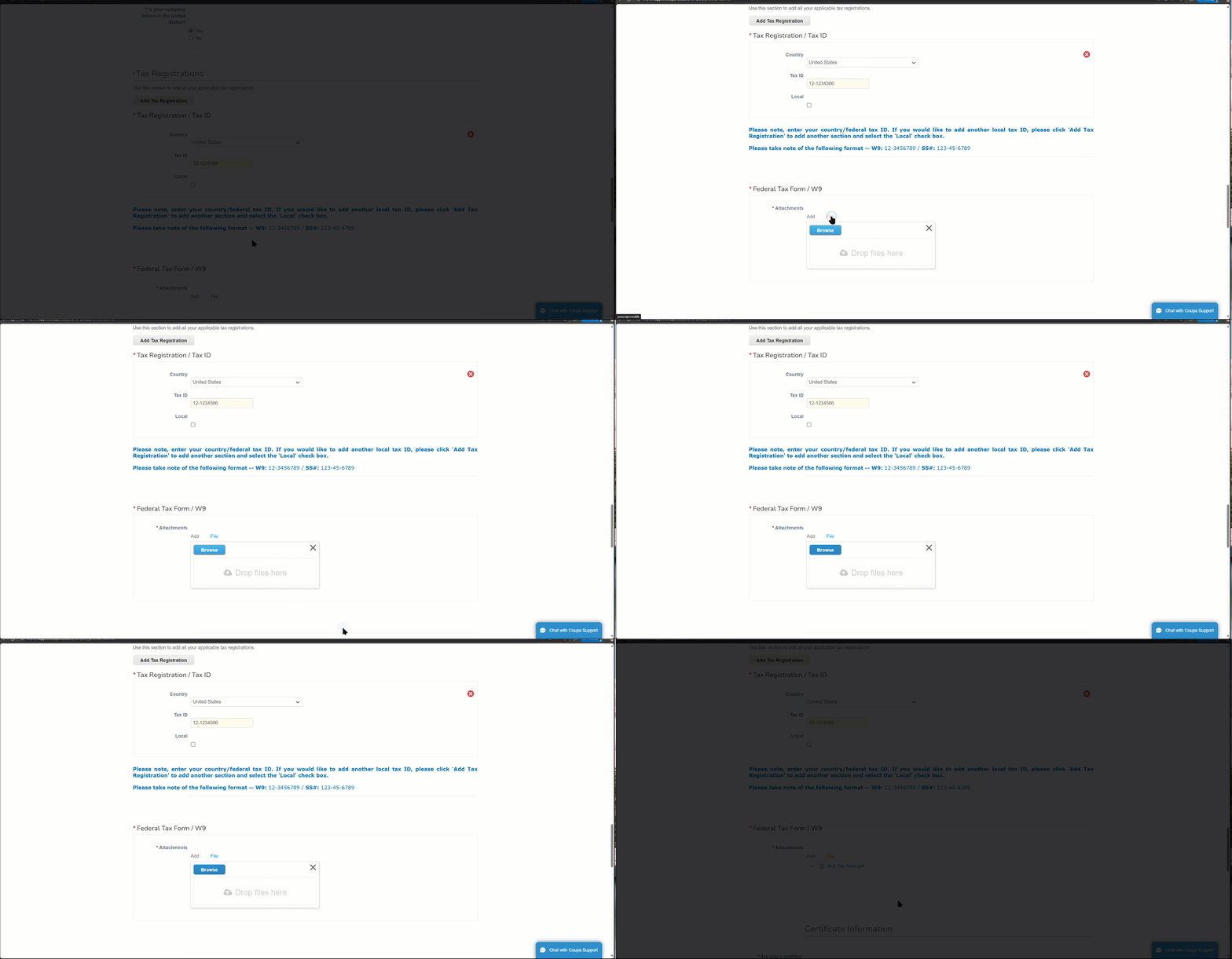
Is your company based in the United States? : Please indicate if your country is located in the United States.
Country
Tax ID
Attachments — Federal Tax Form W9/W8 BEN/ W8-BEN‑E: In some cases, you will be asked to provide a copy of your tax documents. Please ensure you are attaching the pdf copy, when required.
Please select this icon to add your remittance information or update existing remittance information.
Select the remit to information you created when setting up your CSP account or type in each field the necessary address requirements.
If you are a current supplier updating your information, we ask that you do not delete or modify your existing Remit-To section. If you need to update your information, please select Add Remit-To in order to create a new site with updated information.
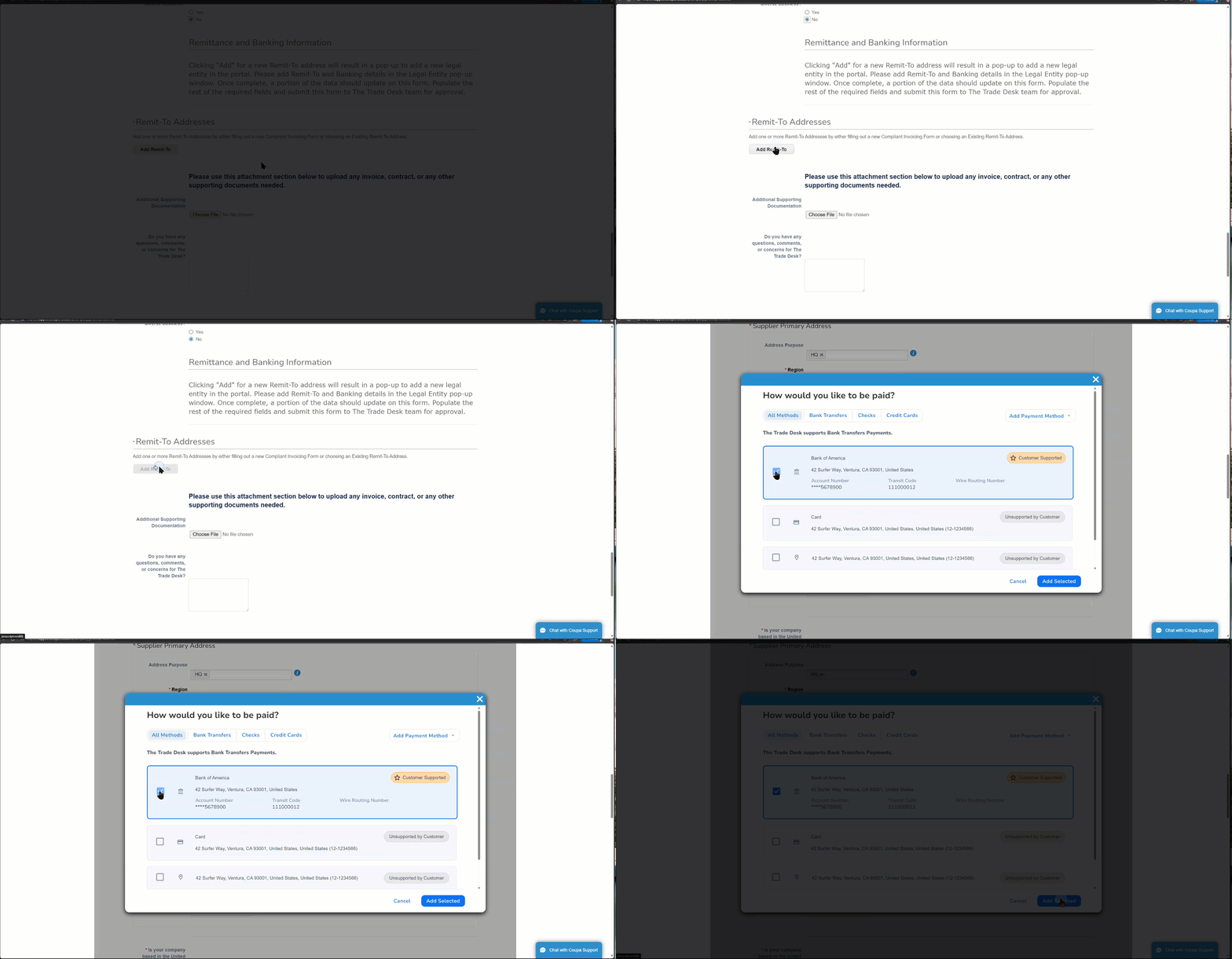
Add Remit to Contact Email: Add the email where you would like to be informed of payment.
Purchase Order Delivery Email: In the event The Trade Desk sends you a Purchase Order, please indicate which email you would like to receive it.
Invoice Currency: Please indicate what currency we should expected to be billed.
For information on what payment methods and banking requirements for your country, please visit out Banking Requirements by Country Guide which can be found on our Global Supplier Resources Website..
The Trade Desk requires a Fraud Prevention Verification to be conducted when banking information is added or if there is a change on a supplier record prior to payment. If Credit Card is your preferred method of payment, you will not be required to conduct the fraud prevention verification.
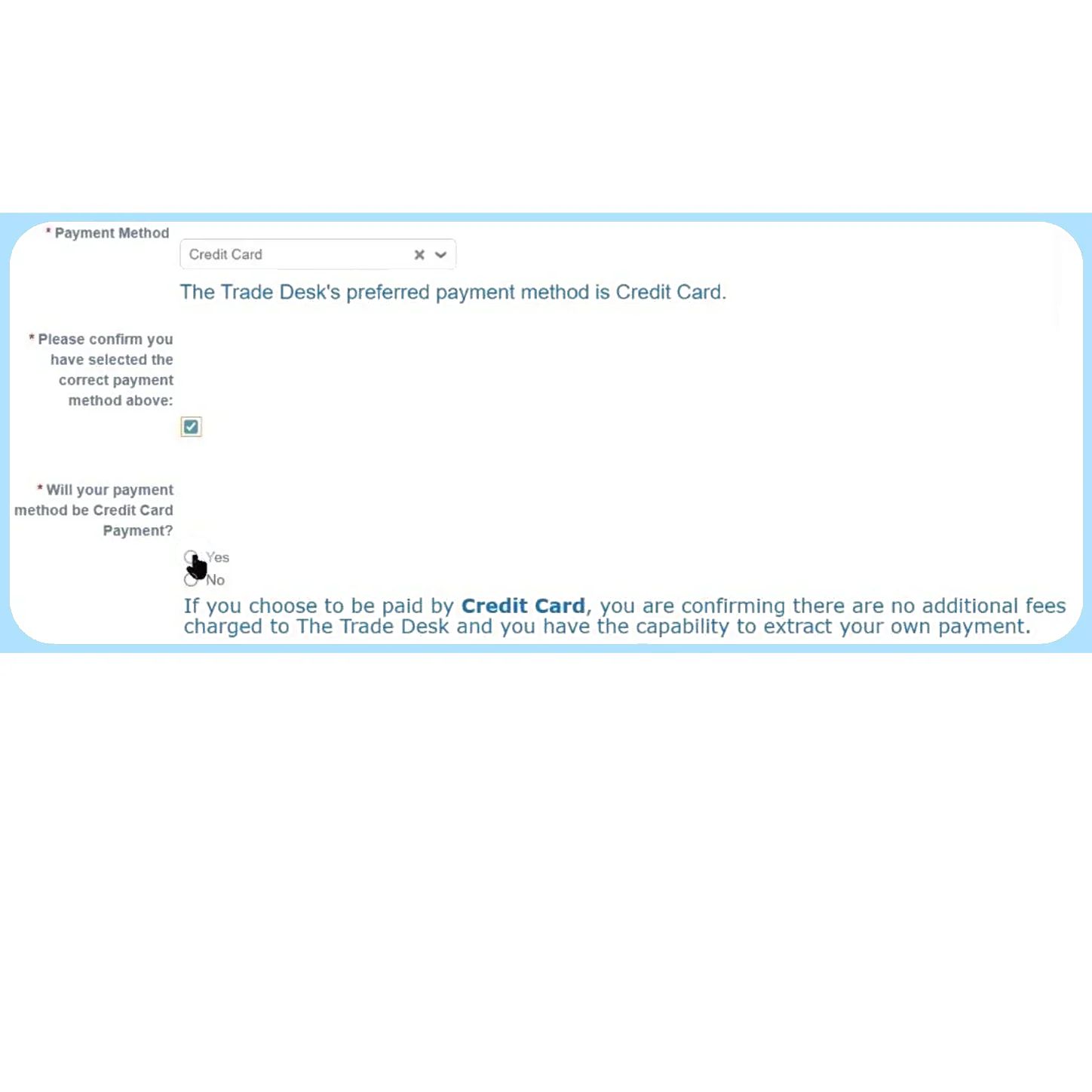
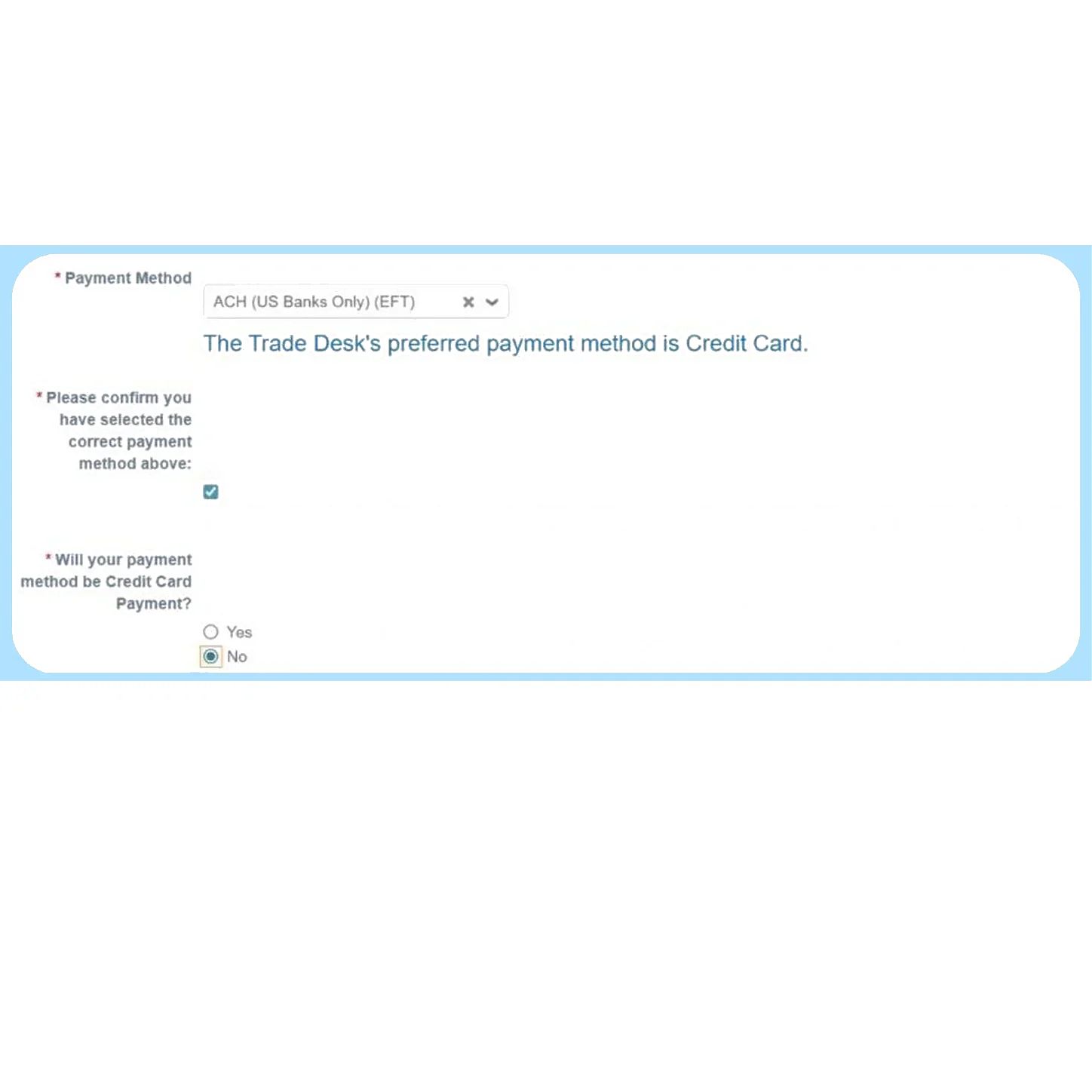
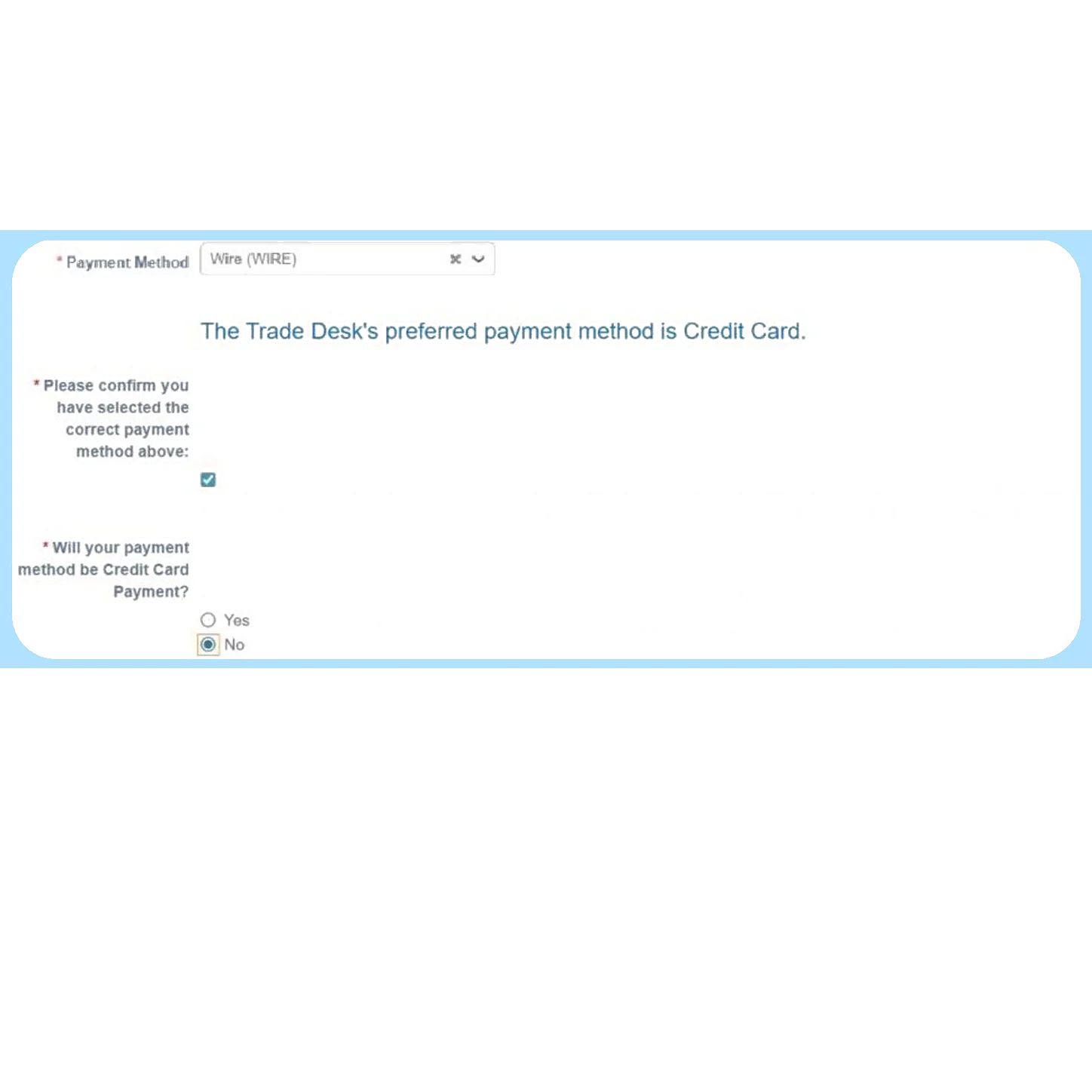
Payment Method: Please indicate how you would like to be paid. If you are unsure of what to select, please view the different options available to you.
Supplier Information Banking Requirements by Country
Be sure to check which fields are required when providing your banking information by visiting the Banking Requirements by Country Guide.
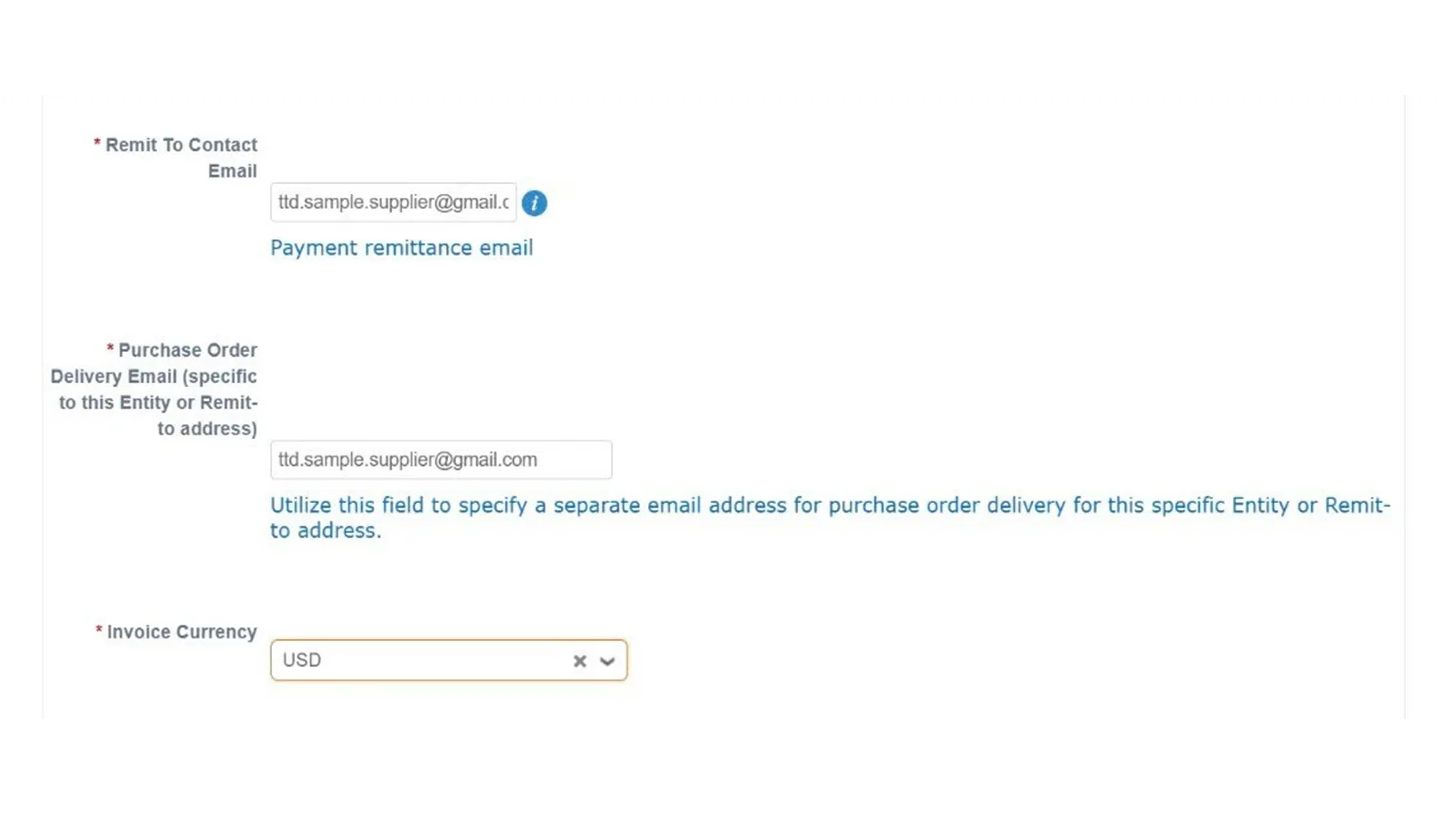
Supporting Documentation: Please attach supporting documentation for your banking information.
If you are providing banking information from within the United States:
Attach a voided check or bank account details on bank letterhead confirming full account information.
If you are providing banking information from outside the United States:
Attach bank account details on bank or company letterhead confirming full account information.
If you are updating your information, please also attach your existing payment information.
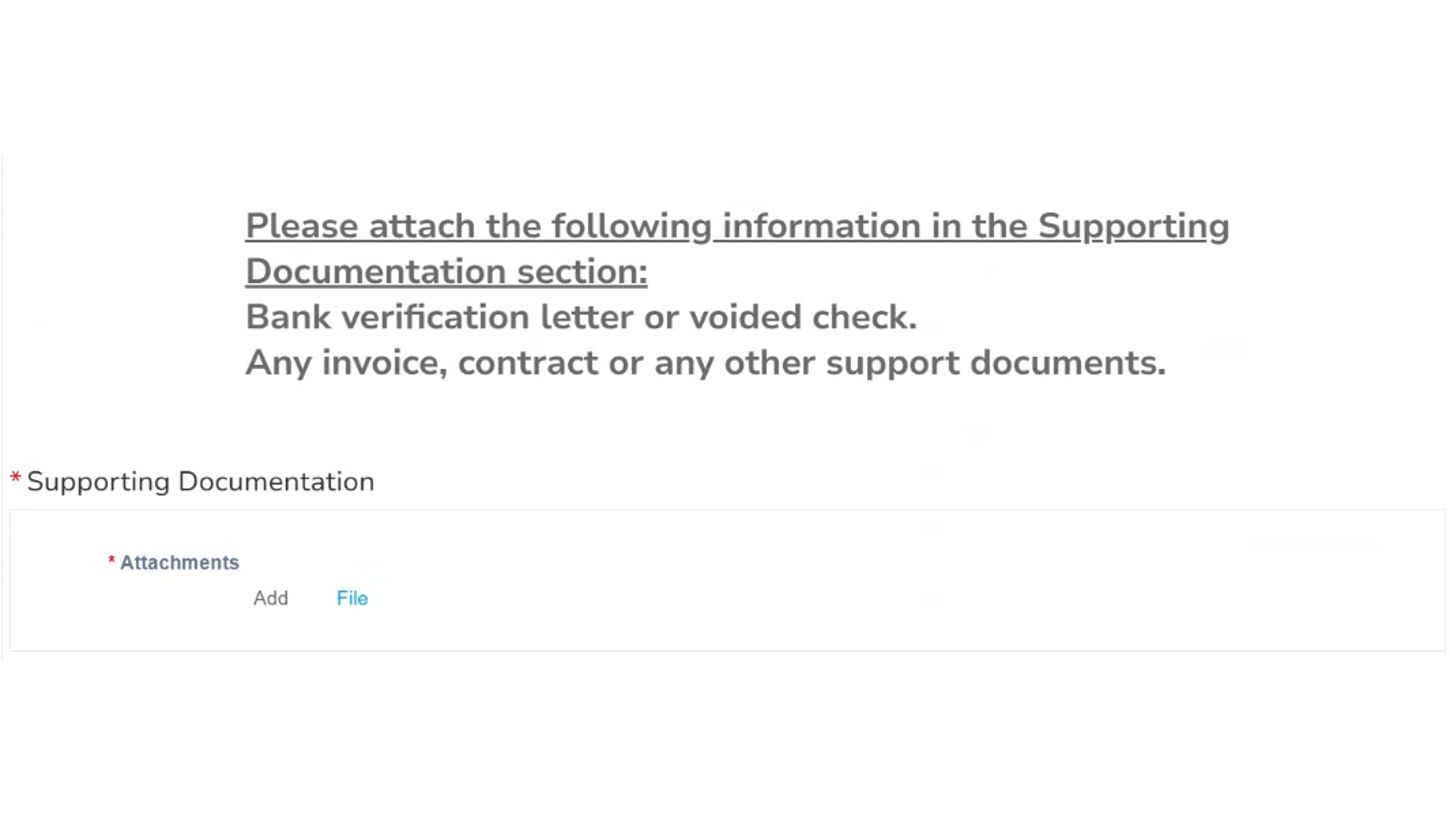
Please leave the internal fields blank. These will be utilized by The Trade Desk.
Once submitted, The Trade Desk Account Payable team will review your form and reach out if there are any issues or if additional information is needed.
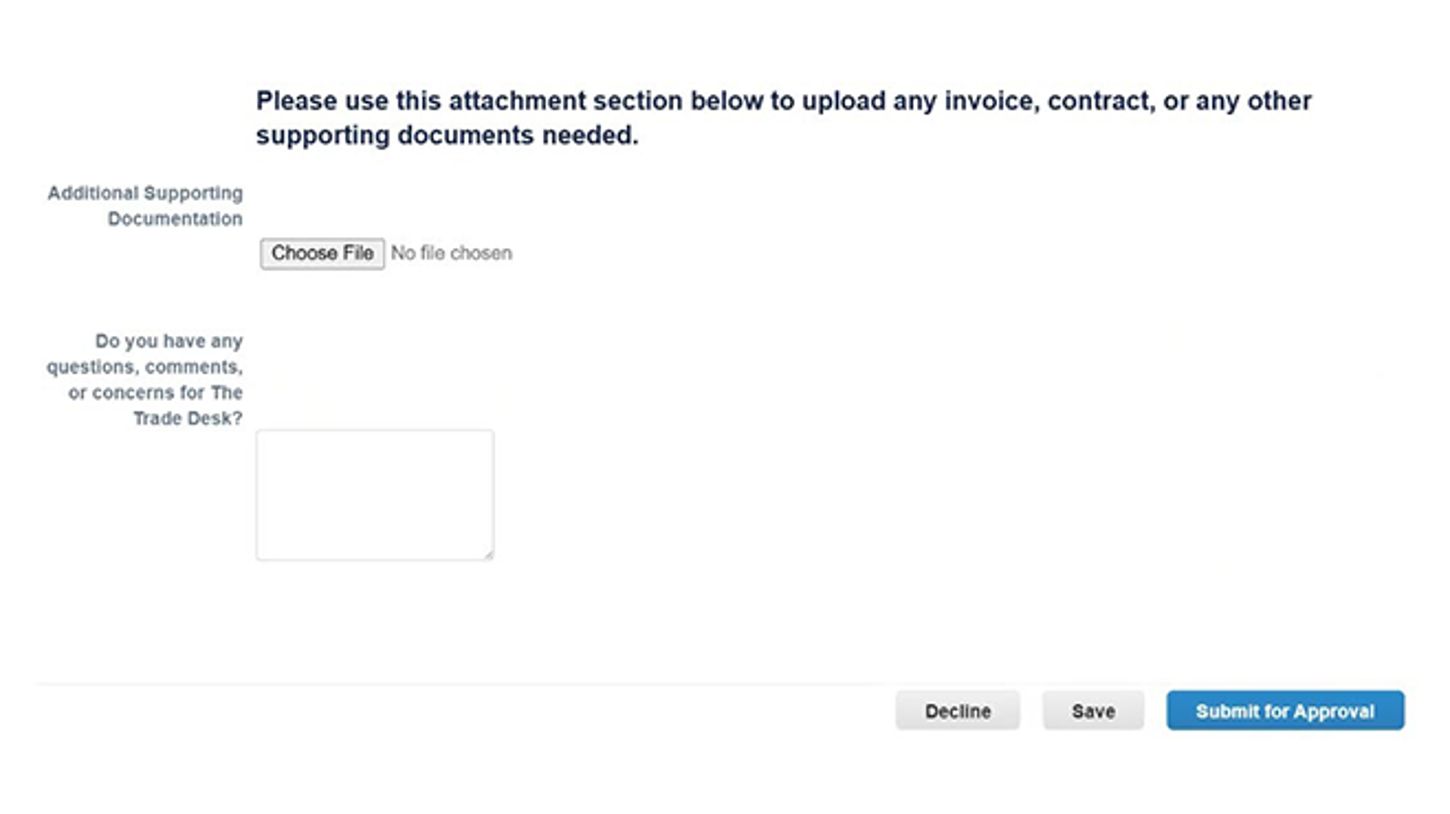
Additional Supporting Documentation: Please attach any additional supporting documentation.
Submit: Depending on the need to fill out the form, you will have the option to select Submit or Update.
Keep in mind, if you are submitting banking information, The Trade Desk will be conducting a fraud prevention verification of your details prior to onboarding or updating your information.
Thanks for completing our form!