Insights Omnichannel
How to win connections in the always-on era of sports fandom
Recruiting fraud is a growing issue for many companies.
The Trade Desk takes this issue seriously and is taking steps to address it.
Our platform
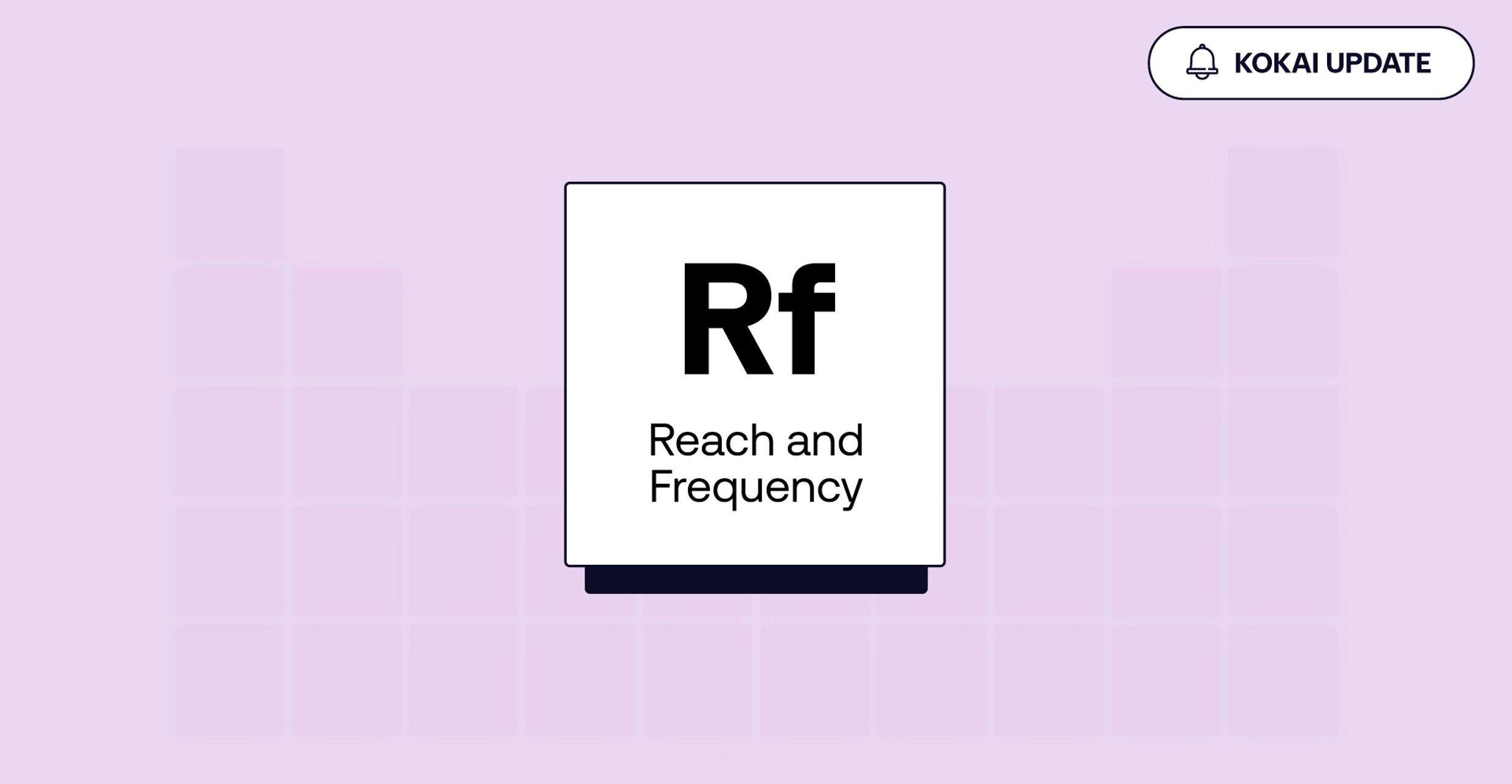
Frequency management is a fundamental lever in programmatic advertising. The right frequency setting can help you reach more unique audiences while giving your message sufficient opportunities to land. Getting the balance right often means manually adjusting as conditions shift throughout a campaign’s flight.
Koa’s frequency features use AI-driven optimization to improve this process. When you enable it, Koa dynamically adjusts frequency settings based on your campaign objective and real-time conditions — helping you automatically set your ad frequency in line with your pacing and performance goals.
This new AI-powered optimization lever helps you manage frequency settings more effectively. Instead of guessing the best frequency settings, you can use Koa to dynamically adapt them to your campaign objectives. That means that you can take a more sophisticated approach to your media buying without constantly monitoring or manually adjusting settings.


You set the objective and guardrails. Koa then adapts your frequency caps as campaign conditions change:
Set your boundaries: Use campaign-level caps or frequency groups to establish limits Koa will not exceed.
Protect unique reach: Koa initially applies lower caps to limit overexposure and help reach more people.
Support delivery: Koa will loosen frequency caps when pacing falls behind.
Stay in control: You can disable Koa at any time or apply your own settings.*
*Platform users will not be able to apply their own settings as part of the closed beta. This will be available when the feature is in open beta.
When Koa is first enabled, it may adjust existing ad group frequency settings. Any settings you apply afterward will take precedence and be honored by the system. Campaign-level caps and frequency groups remain hard upper limits, and you can disable Koa at any time.
This feature is currently in closed beta. Reach out to your client services team to learn more and request access. If granted access:
Navigate to an ad group in Kokai.
Open the Reach & Frequency (Rf) tile.
Enable Koa’s frequency feature in the advanced settings.
This information is provided solely for background and is not a representation or guarantee of any future performance. Any timelines and information included are not guaranteed and are subject to change.
Insights Omnichannel
Resources Connected TV

Resources Data and measurement