Insights Omnichannel
2 in 5 holiday shoppers start searching before Black Friday

Recruiting fraud is a growing issue for many companies.
The Trade Desk takes this issue seriously and is taking steps to address it.
Our platform
Share:
Reporting helps advertisers understand campaign performance and identify opportunities for optimization.
The Trade Desk’s updated Reports experience helps you build reports faster and move from report creation to performance insights more efficiently. Discover commonly used templates from the new reporting homepage and review all reporting details in the center of the page when building reports.
The updated Reports experience enhances the Reports homepage and the report builder.
Build your reports faster
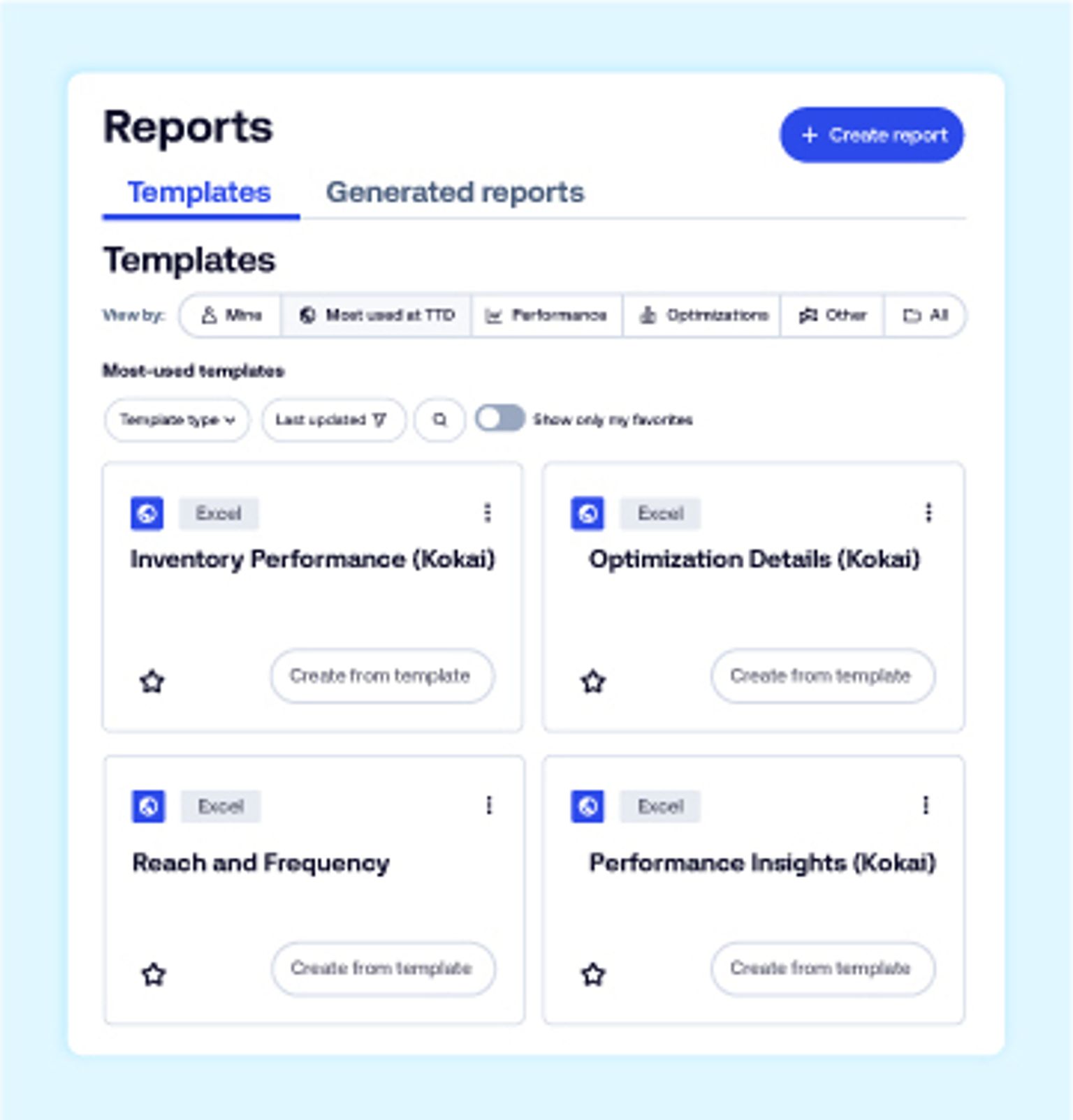
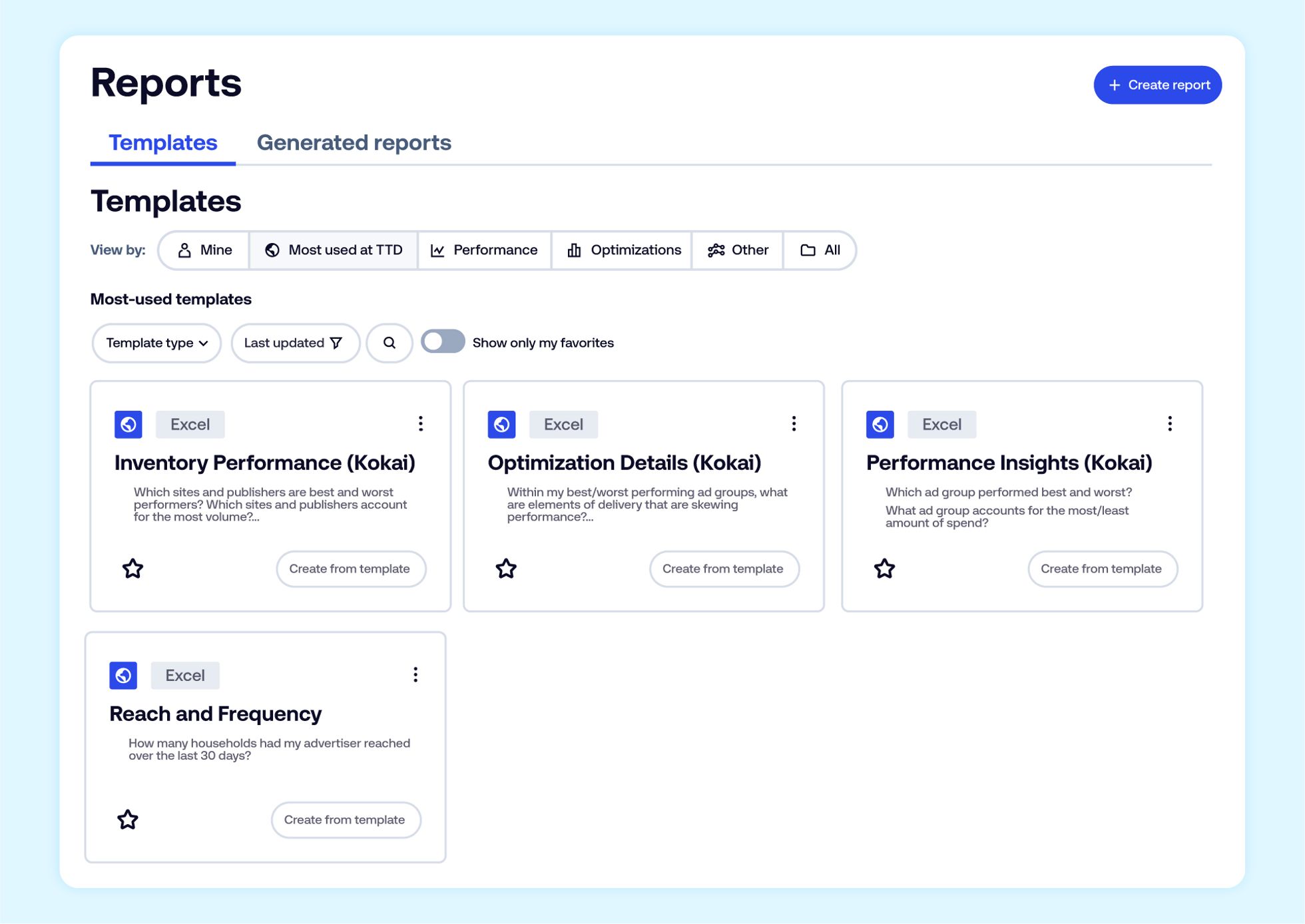
Accelerate report creation: Discover preexisting templates by category, such as “Most used at TTD.”
Explore a selection of templates: Access templates like “Performance Insights” or “Reach and Frequency” to help answer key business questions like “Which of my tactics are best and worst performing?” or “How many households has my campaign reached this month?”
Keep favorites within reach: Sort templates by your favorites, so you can quickly build new reports from the templates you use the most.
Build reports with more control
Simplify creating new reports: View every element of a new report on a single page, making it easier to review.
Customize your level of analysis: Add report dimensions in bulk and filter your report to uncover detailed insights.
Validate before you request: Use the new reporting summary to quickly review all the dimensions you’ve included before requesting your report.
Optimize your workspace: Minimize, expand, or collapse summary sections to give yourself more space to work.
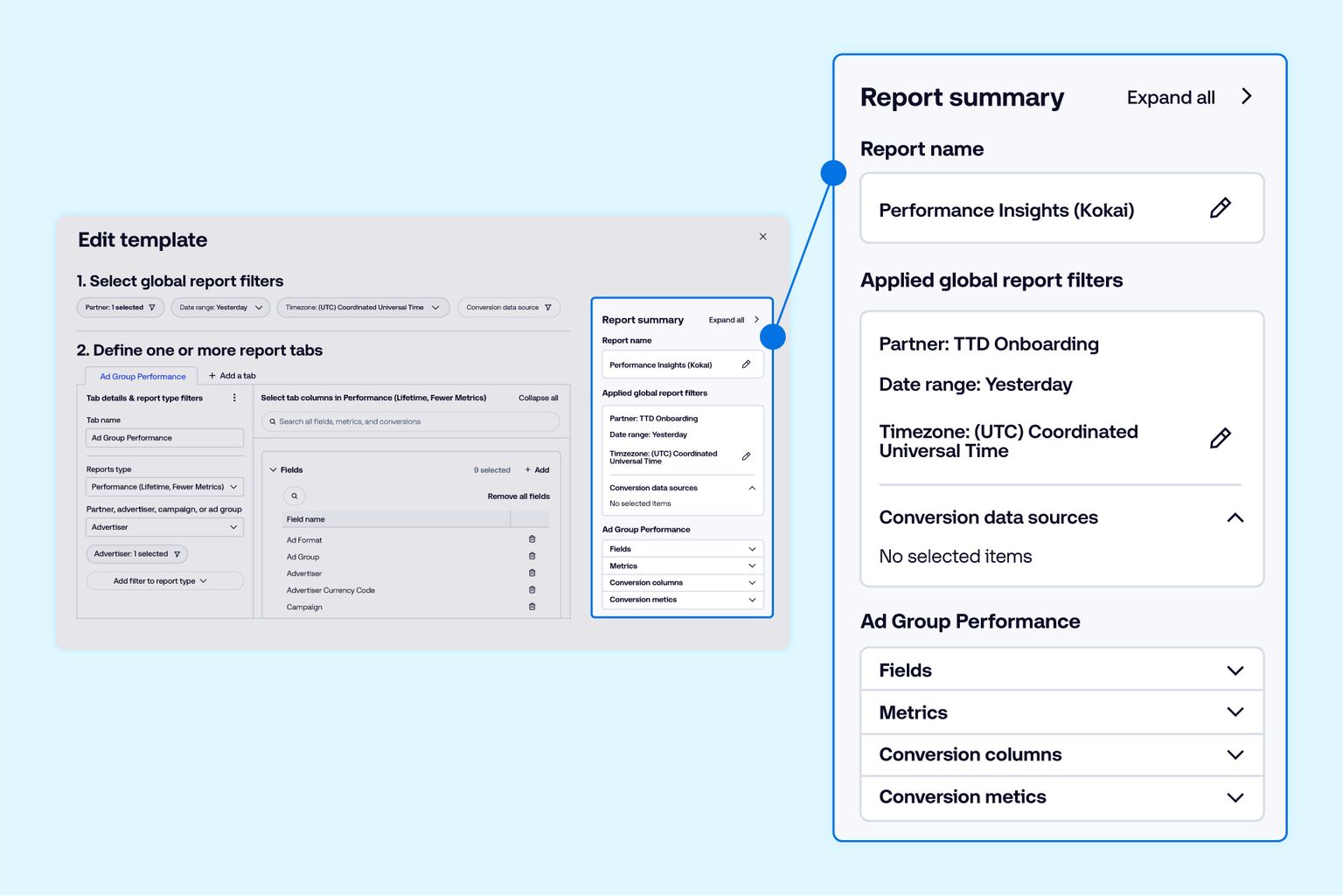
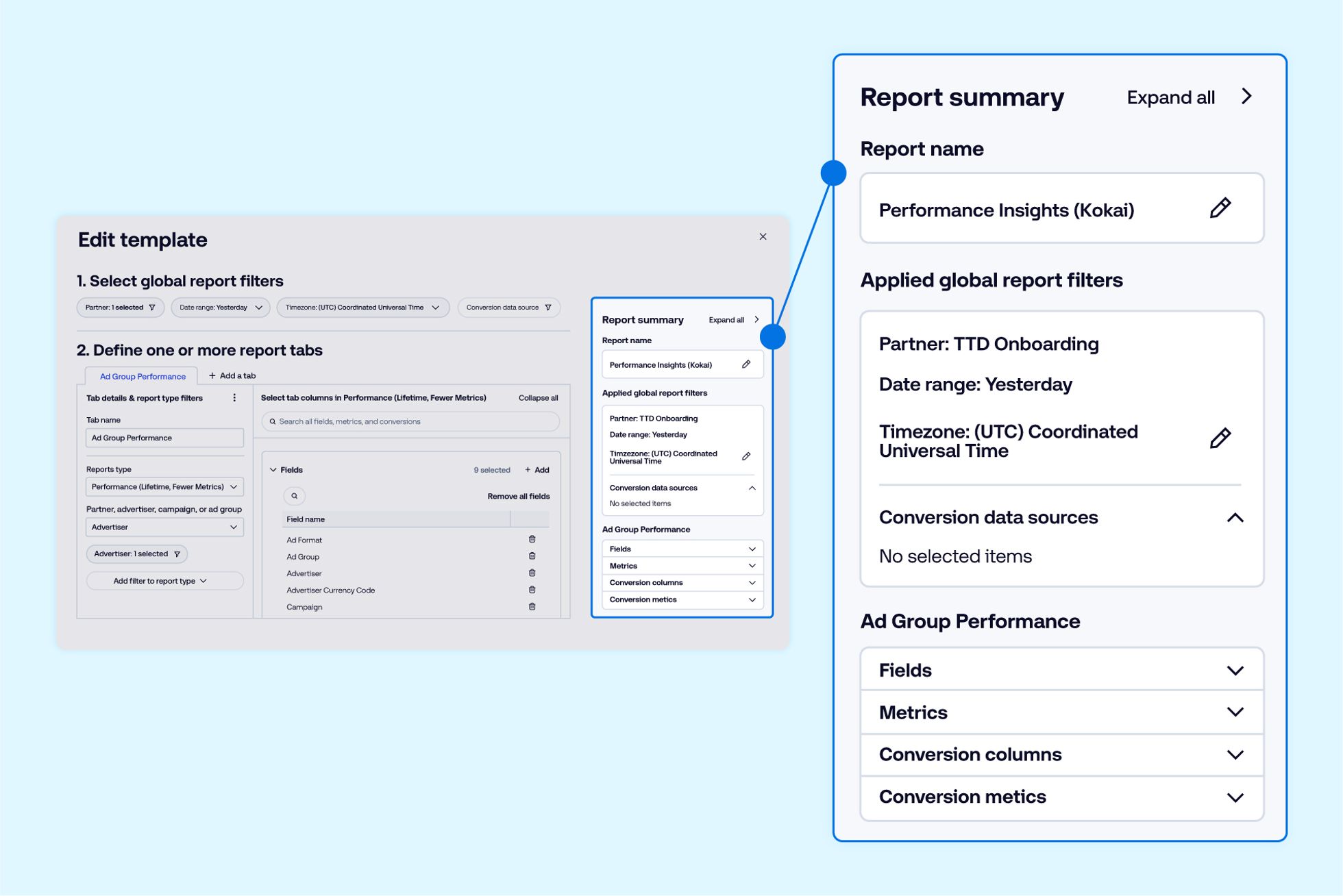
To access the new reporting homepage, select “Reports” from the left-side toolbar or select the Reports (Rp) tile when viewing an ad group. The new report builder will automatically populate upon creating a new report from an existing template or from scratch.
Users with a platform login can learn more about reporting and how to create their own reports in our Knowledge Portal here. Reach out to your representative at The Trade Desk for additional support.
This information is provided solely for background and is not a representation or guarantee of any future performance. Any timelines and information included are not guaranteed and are subject to change.
Insights Omnichannel
Insights Omnichannel

Resources Connected TV